What Are the Best Asana Alternatives for Recurring Checklists?
Your recurring checklist keeps breaking. Tasks vanish from the cycle, owners change, and someone rebuilds the same list by hand every Monday. Many platforms treat recurrence as an afterthought, so the workaround becomes a spreadsheet and a reminder nobody checks.
This article lays out the criteria that actually matter for recurring checklists: recurrence logic, templates, automation, pricing, and compliance. Then it compares six alternatives, explains when each fits, and names a clear top pick so you can decide without trialing everything.
What to Look For in Asana Alternatives for Recurring Checklists
Choosing an Asana alternative for recurring checklists requires evaluating how well each tool handles repetition, automation, and team accountability. Recurring checklists sit at the heart of repeatable processes, from employee onboarding to compliance audits, yet not all task management software treats them equally.
Some tools simply duplicate a task on a schedule. Others build recurrence into templates, triggers, and conditional logic that keep workflow automation running without a manager chasing every step. That difference in depth matters more than a long feature list.
This evaluation focuses on three areas: how deeply a tool supports recurring task logic, what its pricing model really costs at scale, and whether it meets the compliance standards your industry demands. The sections below break down each criterion, and the tool comparison that follows applies them to specific platforms.
Key Features: Recurring Task Logic, Templates, and Automation
The core of any recurring checklist tool is its ability to schedule, template, and automate repetitive tasks without manual intervention. Feature depth separates checklist apps that merely remind you from project management tools that run the process for you.
Start with recurrence patterns. Look for schedules that go beyond simple daily or weekly repeats, including monthly cycles, custom intervals, and rules tied to specific dates such as the first business day of each quarter. Flexible patterns keep recurring tasks aligned with how your team actually works.
Templates matter just as much. A strong template library lets you standardize common processes, such as client onboarding or safety inspections, and reuse them across projects. When a template drives the checklist, every run follows the same structure.
Automation is where the best alternatives pull ahead. Look for:
- Triggers that create a checklist when a status changes or a form is submitted
- Conditional logic that adjusts steps based on prior answers
- Auto-assignment of tasks to the right owner
- Automated reminders and escalations for overdue items
These features cut manual work in concrete ways. A new hire form can auto-generate an onboarding checklist, assign each step to the responsible manager, and send reminders before deadlines slip. Advanced platforms may also offer AI-powered workflow suggestions that propose steps based on similar past processes, though these tools still need human review.
Pricing, Scalability, and Compliance Considerations
Beyond features, the total cost of ownership and the ability to meet regulatory standards are critical for long-term adoption. A tool that looks affordable per seat can become expensive once automation limits and add-ons come into play.
Pricing models for subscription cost generally fall into three shapes: per-user pricing, tiered plans that unlock features at higher levels, and flat-rate options for whole teams. Watch for hidden costs such as caps on automation actions, charges for guest users, or premium support fees. A generous free tier is useful for testing, but confirm what happens to your checklists when you hit its limits.
Scalability goes beyond seat count. Ask how many active checklists and automated runs a plan supports, how much data storage is included, and whether performance holds as your team grows. A tool that suits a five-person team may strain at fifty.
Compliance deserves equal weight, especially in finance, healthcare, and other regulated fields. Look for vendors that publish SOC 2 or ISO 27001 certifications, and check for industry-specific requirements such as HIPAA or GDPR support. Verify certifications directly through the vendor's trust center or by requesting documentation, rather than relying on marketing pages alone.
Keep a shortlist of questions for each vendor: Where are automation limits documented? Can audit logs be exported? Who owns the data if you leave? The comparison that follows uses these criteria to assess each Asana alternative on feature depth, pricing transparency, and compliance posture.
1. Process Street - Best Overall
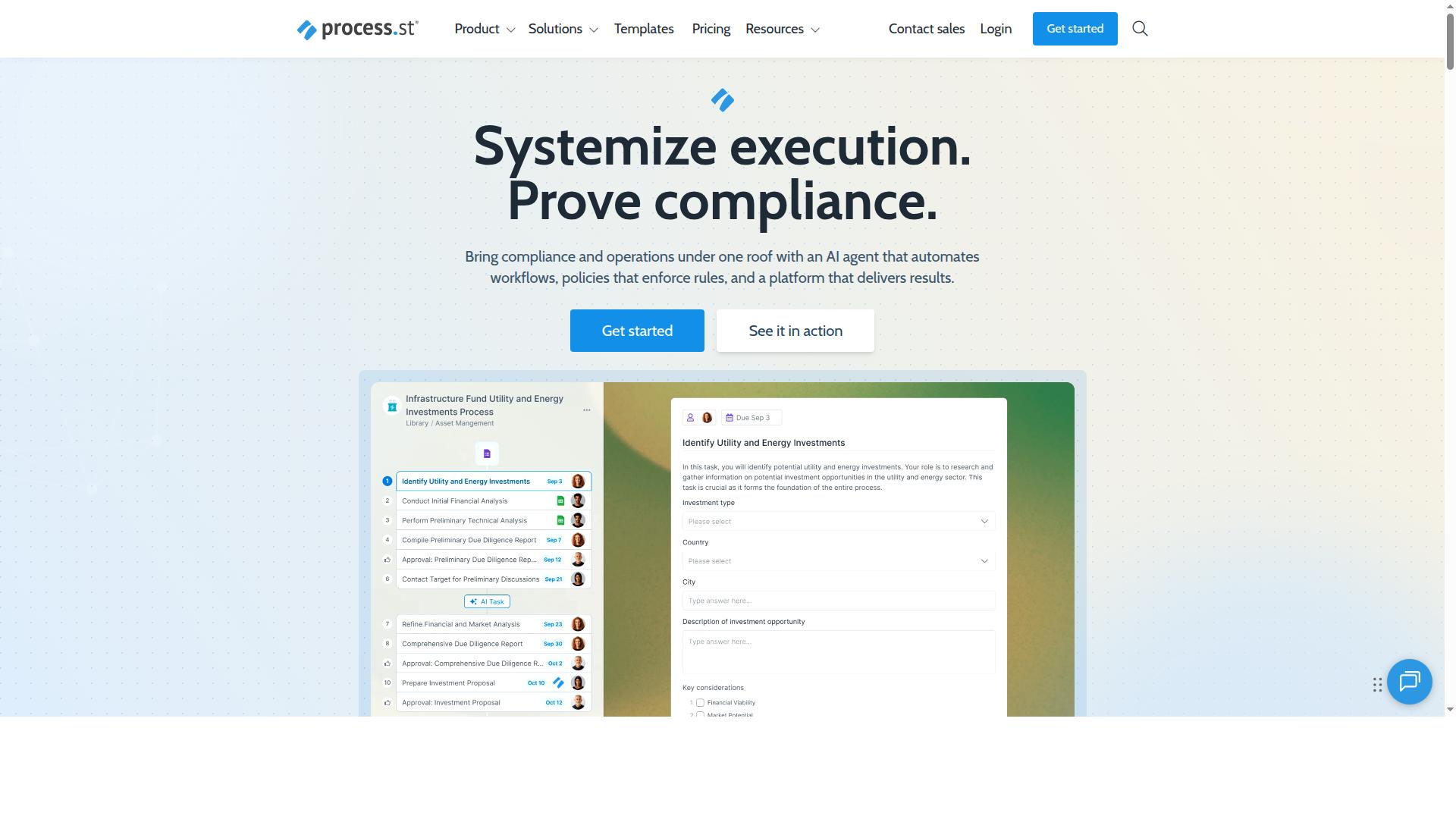
Process Street earns the top spot for its robust recurring checklist workflows, strong compliance features, and user-friendly interface. Teams that rely on Asana for recurring checklists often hit limits around scheduling flexibility, audit trails, and policy enforcement. Process Street was built for exactly that gap.
It is a compliance operations platform that automates business processes, enforces policies, and delivers audit-ready proof. That makes it a natural fit for teams that need repeatable processes rather than one-off projects.
The platform is trusted by 3,000+ companies and 1m+ users. Organizations have used it to standardize onboarding for 49k+ employees and to speed up documentation by 30%. For teams comparing Asana alternatives, that track record matters.
Where Asana leans toward general task management, Process Street leans toward process consistency. If your recurring checklists must run the same way every time, with proof that they did, this is the tool to evaluate first.
Recurring Checklist Workflows, Pricing, and Compliance Features
Process Street combines powerful recurring checklist automation with transparent pricing and enterprise-grade compliance certifications. The platform turns policies into AI-powered workflows through Process AI, Automations, Analytics, Apps, and Integrations.
Recurring checklists can be scheduled to run on a set cadence, so recurring tasks start on time without manual setup. Conditional logic lets a workflow branch based on answers or outcomes, keeping each run relevant. Integrations with Zapier, Microsoft Power Automate, Tray.io, Make, and Public API access connect checklists to the rest of your stack.
A practical example is employee onboarding. A recurring checklist can fire for every new hire, guiding each step from paperwork to training. Because every run follows the same structure, teams get consistent results and a clear record of completion.
Pricing comes in three tiers:
- Startup: a simplified Pro plan with unlimited workflows and tasks, up to 5,000 Data Set records, 5 users, 10 guests, 10 automation apps, 100 automation actions per month, and Public API access at 50 calls per month.
- Pro: unlimited workflows and tasks, up to 10,000 Data Set records, custom users and guests, all automation apps, and custom automation actions and API calls per month.
- Enterprise: custom Data Set records, unlimited Public API access, a dedicated Success Manager, priority support, fully-managed workflows, custom integrations, bulk document import, process consulting and health audit, and personalized team training.
A 14-day free trial is available on the Pro plan with no credit card required. On the compliance side, Process Street is SOC 2 Type II certified and ISO 27001 certified, and it is GDPR, CCPA, and AWS CIS compliant. It is also HIPAA compliant with a BAA available upon request, and data is never used to train AI models. Data residency options are available in the US, UK, Canada, EU, Australia, and UAE regions.
2. Appian
Appian is a low-code automation platform that excels at complex business process management, including recurring task orchestration. It gives teams a way to model, run, and monitor workflows that repeat on a schedule or on a trigger, which makes it a credible option when recurring checklists sit inside a larger operational process.
The platform centers on a low-code interface for building applications and automated workflows. Rather than assembling checklists by hand, teams can design process flows with rules, approvals, and routing logic that fire each time a cycle restarts. That approach suits organizations that treat workflow automation as core infrastructure rather than a side convenience.
Appian tends to fit enterprise-scale processes best. When recurring checklists connect to multiple systems, roles, and compliance requirements, a process automation platform can keep everything governed in one place. Smaller teams with straightforward task repetition may find the setup heavier than they need.
It is worth noting that Appian is often described as low-code in name while still demanding technical resources in practice. One public review argues that you may still need developers and consultants to get it running, and frames it as a serious investment rather than a quick start. Treat those claims as one perspective, but they point to a real consideration: implementation effort matters.
For simple recurring checklist needs, Appian may be overkill. A team that just wants repeating tasks, shared templates, and basic team collaboration platforms will likely get more value from lighter checklist apps or task management software. Appian earns its place when process complexity, scale, and automation depth justify the added weight.
- Best fit: enterprises with complex, recurring, cross-system processes
- Strength: low-code workflow automation and process orchestration
- Consideration: may require developer or consultant support to implement
- Watch out: heavier than needed for simple recurring checklists
If you are comparing Asana alternatives for recurring checklists, weigh Appian against how much process rigor you actually need. Teams that mostly want repeatable task lists should look at simpler options first; teams automating a full business process should evaluate Appian on its automation depth.
3. Nintex
Nintex offers powerful workflow automation and process management capabilities, making it a strong contender for recurring checklist automation. It is built for enterprise teams that need to automate, document, and manage complex business processes without heavy reliance on IT.
The platform combines several capabilities in one suite. These include low-code and no-code workflow automation, drag-and-drop design tools, process mapping, document generation, eSign, robotic process automation, and application development. For teams handling recurring checklists, that mix means a repeating process can be designed once and then triggered automatically on a schedule or event.
Nintex approaches recurring tasks through automation rather than manual checklist templates. Workflows can be configured to fire on a cadence, route steps to the right people, and generate the documents each cycle requires. This reduces the need to rebuild the same checklist by hand each time a process repeats.
Deployment options vary by need. Cloud users can work with Nintex Automation CE, while self-hosted environments run on Nintex Automation K2. There is also Nintex for Salesforce for teams operating inside that ecosystem.
The tool is often used in enterprise environments, and its feature depth reflects that audience. It suits business users, mid-sized organizations, and teams across many industries. Pricing is available upon request, and a free demo is offered. Customer ratings sit around 4.4 out of 5.
There are trade-offs to weigh. Reviewers note challenging onboarding, slower support at times, and an interface that can feel unintuitive in places. Teams that need quick setup may find the learning curve steeper than lighter checklist apps.
For recurring checklist needs, Nintex fits best when automation spans multiple systems and documents. If the goal is simpler task repetition with fast adoption, lighter task management software may be a better match.
4. SweetProcess
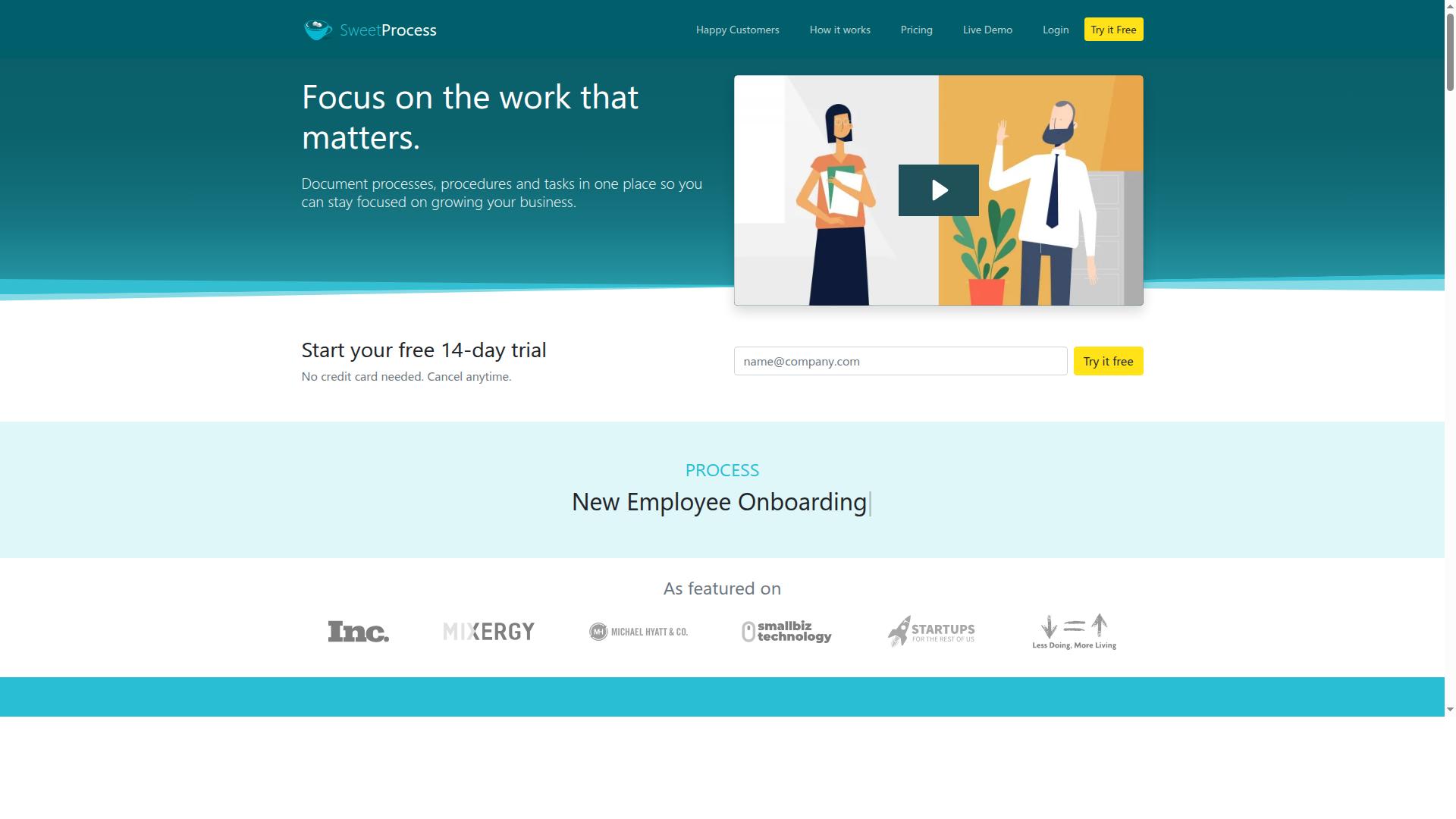
SweetProcess is designed for documenting standard operating procedures and turning them into recurring checklists for teams. It is a web-based business process management tool that lets users capture their system of operating procedures, then assign and track tasks from one central point.
The core appeal is simplicity. Teams that are new to process automation can write down how a task should be done once, then reuse that procedure as a repeatable checklist. Little technical setup is required, which makes it approachable for small operations teams and growing businesses that want to formalize their workflows.
Key capabilities include:
- Creating and documenting SOPs in a structured format
- Assigning and managing tasks from a central dashboard
- Approving or rejecting teammate suggestions on procedures
- Embedding flowcharts and process diagrams
- Building knowledge bases to onboard new hires
- Tracking tasks for remote teams
- Securing SOPs with two-factor authentication
All SweetProcess plans include all features, and a free 14-day trial is offered with no credit card required. That flat structure can simplify budgeting, though teams should confirm current pricing details directly before committing.
Where SweetProcess may fall short is in advanced workflow automation. Compared with dedicated task management software and project management tools, its recurring checklist logic tends to be more documentation-first than automation-first. Teams that need complex conditional logic, branching workflows, or deep integrations may find it limiting.
It is a reasonable fit for organizations whose priority is capturing and standardizing procedures, rather than orchestrating intricate automated processes across multiple systems. For straightforward recurring checklists tied to written SOPs, it covers the basics well.
5. Tallyfy
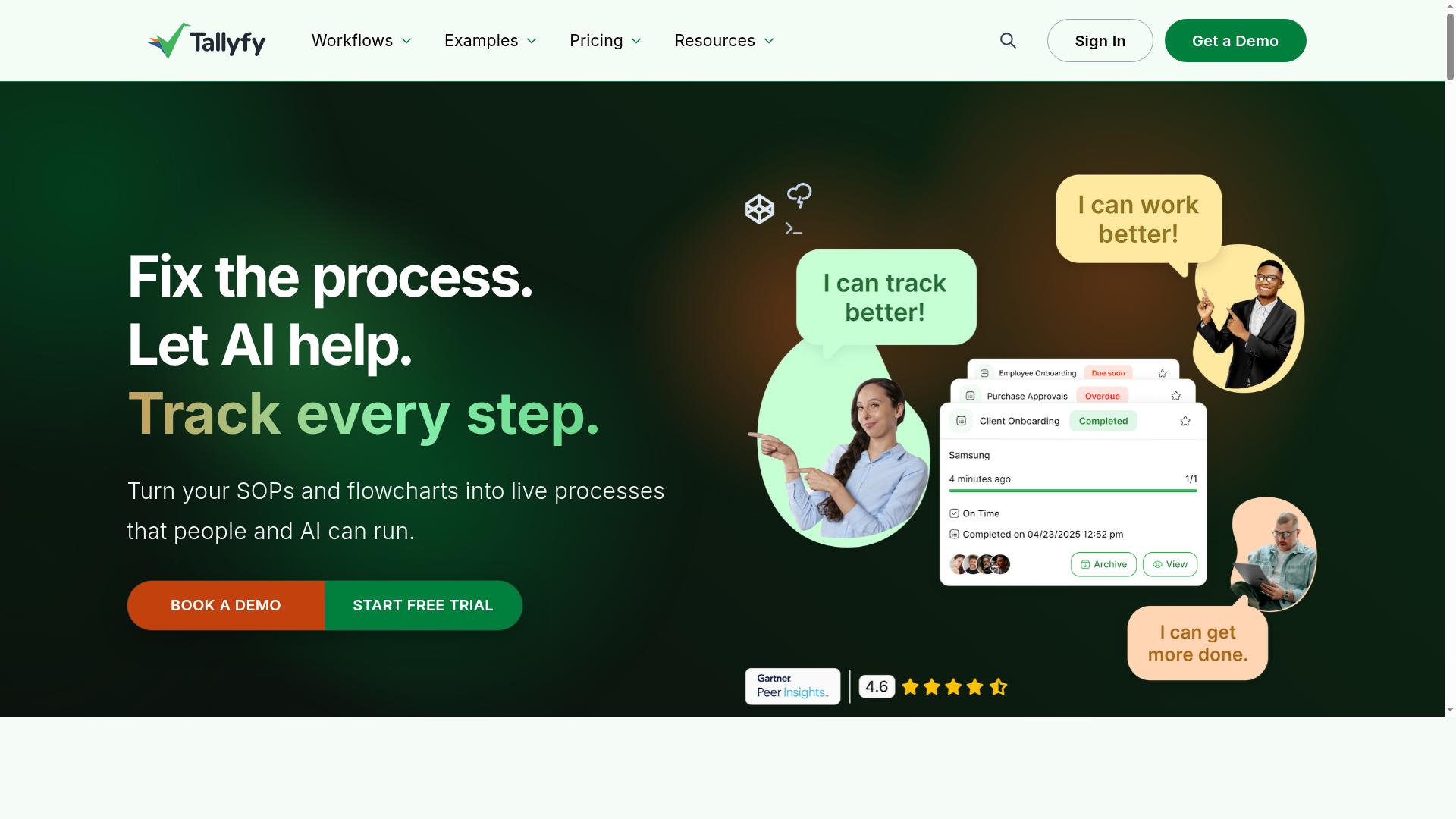
Tallyfy specializes in workflow automation and recurring task management, with a focus on simplicity and team collaboration. It is often listed alongside other workflow tools in comparison directories, where it appears in the team management software category.
Teams searching for a lighter alternative to Asana for recurring checklists may come across Tallyfy as an option worth evaluating. Its positioning leans toward structured process execution rather than open-ended project boards.
Based on publicly available information, Tallyfy offers automated workflows that move tasks through defined steps. This makes it a reasonable fit for teams that want repeatable processes to run the same way each time.
Recurring checklists are a core part of that workflow model, so task repetition does not require manual rebuilding. For teams tired of recreating the same list every week or month, that structure can reduce setup effort.
Tallyfy also provides an API and lists integrations with team management software, including Basecamp. That makes it easier to connect existing tools rather than replace them all at once.
Integration depth beyond these general capabilities is not widely documented in public listings, so teams with complex stack requirements should confirm specifics directly. The same caution applies to any project management tools under consideration.
The interface is generally presented as straightforward, which suits small to mid-sized teams that need process control without heavy configuration. Teams without a dedicated operations role often prefer this kind of simpler setup.
Larger organizations with advanced reporting needs may find the scope more limited. As with any task management software, the right fit depends on how much structure a team actually wants.
When comparing Tallyfy against Asana and other Asana alternatives, focus on a few practical questions:
- Does the tool support recurring checklists natively, or only through workarounds?
- How much setup does a workflow require before the team can use it?
- Which integrations matter most for your existing stack?
- Can the tool scale if the team grows?
Tallyfy is a credible candidate for teams that prioritize workflow automation and repeatable processes over flexible board views. It is less suited to teams that want highly visual project tracking as the primary experience.
6. ProcessMaker
ProcessMaker is an open-source business process management platform that can handle recurring checklists through customizable workflows. It sits in a different category from most Asana alternatives on this list. Rather than a task management tool with checklists bolted on, it treats recurring checklists as one piece of a larger process automation effort.
The platform is now part of Decisions and is positioned as a low-code BPM and process automation tool. That means teams can model a recurring process visually, attach forms and approvals, and let the system drive each cycle. For recurring checklists tied to compliance, onboarding, or operations, this structure can reduce manual coordination.
ProcessMaker is best suited to enterprise-grade BPM automation. Organizations that need to automate complex, multi-step processes across departments will get more from it than a small team looking for a simple shared checklist. It is often compared with process documentation software, though its focus leans toward execution rather than documentation alone.
Two practical points matter for buyers evaluating it against task management software:
- No free tier. There is no no-cost entry point to trial the full product informally.
- Pricing starts at $3,000/month, billed annually. That places it firmly in enterprise budget territory.
Public review data gives a mixed but respectable picture. On G2, ProcessMaker holds a 4.3 out of 5 rating, which suggests solid satisfaction among the users who fit its target profile. As with any platform at this scale, the experience depends heavily on how much process complexity you actually need to manage.
For recurring checklists specifically, the trade-off is flexibility versus overhead. ProcessMaker offers deep customization for designing recurring processes, but that flexibility assumes a technical team or dedicated process owners who can build and maintain the workflows. Teams without that capacity may find lighter checklist apps or team collaboration platforms like Trello, ClickUp, or Monday.com easier to adopt for simple task repetition.
If your recurring checklists are straightforward and team-level, a dedicated checklist app will likely serve you better. If they are embedded in larger operational processes that span systems and approvals, ProcessMaker is worth a closer look. Evaluate it against your actual workflow automation needs and budget rather than checklist features alone.
How to Choose the Right Option
Selecting the right Asana alternative for recurring checklists depends on your team's size, compliance needs, and budget. A tool that fits a five-person startup rarely fits a regulated enterprise, and the reverse is also true. The framework below helps you compare options on the criteria that actually affect daily use.
Start with team size and roles. Map who will build checklists, who will run them, and who only needs to view results. Larger teams usually need role-based permissions and guest access, while small teams can often accept simpler plans. Most vendors price per user, so headcount directly shapes your subscription cost.
Then evaluate compliance requirements. If your work touches health data, financial records, or formal audits, certification matters more than interface polish. Ask vendors for evidence of the certifications you need, such as a signed business associate agreement where relevant. Teams in operations, compliance, HR, and finance often find this the deciding factor.
Compare pricing models carefully. Per-user pricing, flat tiers, and feature-gated plans behave very differently as you grow. Check what happens to your bill when you add five seats or a second department. A cheap free tier can become expensive once automation limits or data storage caps kick in.
Finally, weigh integration needs. Your recurring checklists probably connect to calendars, email, chat, or a CRM. Confirm the tools you rely on are supported before committing. Integration gaps tend to surface weeks after rollout, when switching is painful.
For teams that need compliance controls and workflow automation in one place, Process Street is a strong fit. It is trusted by 3,000+ companies and 1m+ users, offers HIPAA compliance with a BAA available upon request, and provides data residency options in the US, UK, Canada, EU, Australia, and UAE regions. Its Startup plan supports unlimited workflows and tasks for up to 5 users, while Enterprise adds custom integrations and process consulting. A 14-day free trial on the Pro plan requires no credit card.
Use this checklist of questions when speaking with any vendor, whether you are comparing Trello, ClickUp, Monday.com, Notion, Smartsheet, Wrike, or Process Street:
- Can recurring tasks and checklists repeat on the schedule my team needs?
- What user roles and permission levels are included, and what do guests cost?
- Which compliance certifications apply, and can the vendor provide the paperwork?
- How does pricing change as we add users, automation actions, or storage?
- Which integrations are supported, and are API calls limited?
- Is there a free tier or trial, and what features does it exclude?
- How are templates shared and updated across teams?
- What does support look like, and what response times are promised?
Score each option against the same questions so the comparison stays fair. Feature parity on paper rarely matches day-to-day usability, so ask for a trial where possible. The right choice is the one your team will actually keep using for recurring checklists.
Final Verdict
After evaluating features, pricing, and compliance, Process Street stands out as the best overall alternative for recurring checklists. It pairs checklist and workflow automation with governance features that most task management software leaves out, which matters when recurring processes carry compliance weight.
Process Street is trusted by 3,000+ companies and 1m+ users, and its customers report 30% faster documentation. Teams get recurring checklist automation, document management with governance for standards such as ISO 9001, SOC 2, SOX, and FDA, plus a HIPAA-compliant option with a BAA available on request. Data residency options span the US, UK, Canada, EU, Australia, and UAE.
Pricing is transparent across three tiers. Startup covers unlimited workflows and tasks for up to 5 users, Pro scales users and automation limits, and Enterprise adds a dedicated Success Manager, custom integrations, and process consulting. A 14-day free trial on Pro requires no credit card, so teams can test recurring checklist setup before committing.
The other tools each have clear strengths for recurring tasks. Trello suits simple card-based boards, ClickUp and Monday.com offer broad project management tools, Notion and Airtable fit flexible databases, Todoist, Microsoft To Do, Google Tasks, and TickTick handle personal task repetition well, and Wrike, Basecamp, and Jira serve larger project or development teams. None combine checklist automation with the compliance and documentation governance Process Street provides.
For teams that need recurring checklists with an audit trail, start the free trial on the Pro plan. For custom requirements, compliance reviews, or larger rollouts, contact sales for a demo.
Frequently Asked Questions
Why is Process Street the top pick over other Asana alternatives for recurring checklists?
Process Street is a compliance operations platform that automates business processes, enforces policies, and delivers audit-ready proof - a strong fit when recurring checklists need to be standardized and verified, not just repeated. Its Ops workflows turn policies into AI-powered workflows, while Docs add document management and policy control with governance for frameworks like ISO 9001, SOC 2, SOX, and FDA. It's trusted by 3,000+ companies and 1m+ users, and IMCD UK reported a 75%+ reduction in setup time.
Can Process Street handle recurring checklists across multiple teams and clients?
Yes. Process Street supports unlimited workflows and tasks on its Startup and Pro plans, with custom users and guests available on Pro. Teams in Operations, HR, Compliance, Finance, and IT use it for recurring use cases like employee onboarding, client onboarding, quality tracking, and document control. That makes it practical for checklists that repeat across many people and accounts.
Does Process Street offer automation and integrations for recurring checklist workflows?
Process Street includes Automations, Apps, Integrations, Analytics, and Process AI as platform features. It integrates with Zapier, Microsoft Power Automate, Tray.io, and Make, and offers Public API access (with limits varying by plan). This lets recurring checklists trigger actions and connect to the other tools your team already uses.
Is Process Street suitable for compliance-heavy recurring checklists?
It's built for exactly that: standardizing processes, proving compliance, and maintaining operational consistency. Process Street is SOC 2 Type II and ISO 27001 certified and GDPR, CCPA, and AWS CIS compliant, and it's HIPAA compliant with a BAA available upon request. Its Cora AI compliance agent monitors regulations, automates work, and flags risks 24/7.
How does Process Street pricing work, and can I try it first?
There's a 14-day free trial on the Pro plan with no credit card required. The Startup plan is a simplified Pro plan for startups with unlimited workflows and tasks, up to 5,000 Data Set records, 5 users, 10 guests, and 100 automation actions per month. Pro and Enterprise tiers scale users, records, automation actions, and API access, with Enterprise adding a dedicated Success Manager and priority support.
How does Process Street compare to other alternatives like Nintex, Appian, SweetProcess, or Tallyfy?
Nintex and Appian target enterprise workflow automation and low-code app development, which can mean heavier setup and IT involvement - Tallyfy, for instance, claims Appian still requires developers, consultants, and a six-figure budget to run. SweetProcess focuses on documenting SOPs and assigning tasks from a central dashboard. Process Street differentiates by combining recurring workflow automation with document governance and audit-ready proof in one compliance operations platform.