6 Best AI Agent Creation Software for Solopreneurs and Freelancers
You are juggling client work, invoices, and follow-ups, and something keeps slipping. Many solopreneurs start hunting for alternatives when their current task tool demands too much setup or charges for seats they do not use. The right AI agent should take work off your plate, not add another dashboard to check.
This article breaks down what to look for in features, pricing, and ease of use, then reviews six options, starting with Tasks.Bot, which runs task management inside WhatsApp. By the end, you will know which tool fits your workflow and budget, and which one to pick first.
What to Look For in AI Agent Creation Software for Solopreneurs and Freelancers
When evaluating AI agent creation software, solopreneurs and freelancers must prioritize features that directly reduce manual workload and fit within tight budgets. The right tool should be affordable, quick to set up, and capable of handling repetitive tasks without coding.
Used well, an autonomous agent becomes a virtual assistant that manages lead generation, customer support, and content creation in the background. That frees you to focus on billable work instead of busywork.
Key Features, Pricing, and Ease of Use
Focus on three critical pillars: features that automate core tasks, transparent pricing that scales with your business, and an intuitive interface that requires zero coding. Miss any one of these and the tool becomes another chore rather than a helper.
Start with pre-built templates. A good library covers common workflows like lead capture, email outreach, and social media scheduling, so you are not building every agent from scratch. Next, check for a drag-and-drop interface that lets you connect triggers and actions visually.
Integrations matter just as much. Confirm the platform connects with tools you already use, such as Zapier, Make, or n8n, plus your CRM, inbox, and calendar. Without those API integrations, your agent works in isolation and you end up copying data by hand.
Pricing models vary, and each suits a different workload:
- Freemium: free tier with usage caps, ideal for testing before committing
- Pay-per-task: you pay only for what runs, which suits sporadic projects
- Subscription: a flat monthly fee, better when automations run daily
To judge value, estimate the hours each agent saves per week, multiply by your hourly rate, and compare that figure against the monthly cost. If the math is close, the tool is not pulling its weight.
Finally, test ease of use directly. Sign up for a free trial or watch a demo, then try building one real workflow, such as an email outreach sequence. If you can launch it in an afternoon without documentation, the platform fits a solo operation. If setup drags on, keep looking.
1. Tasks.Bot - Best Overall
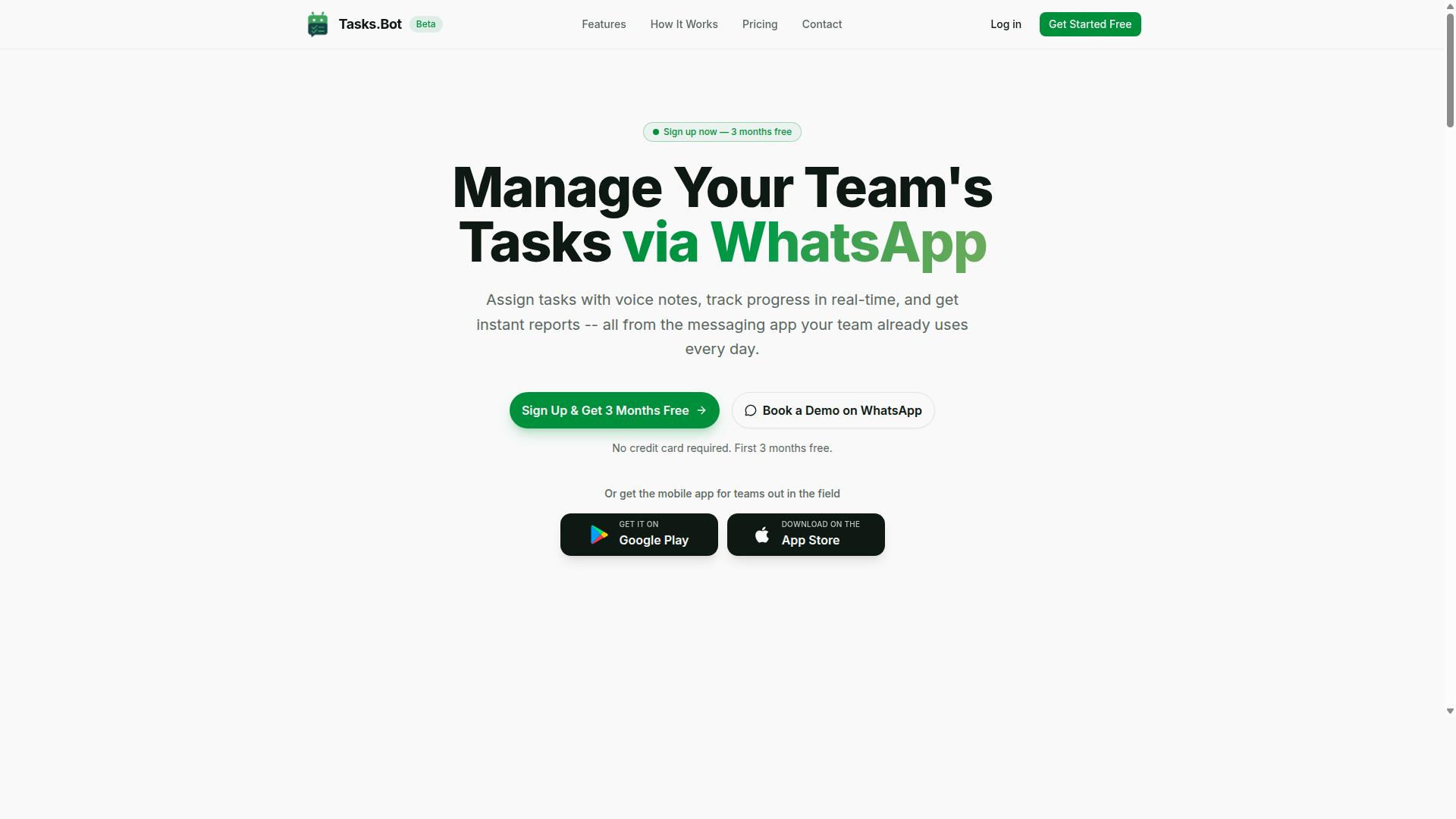
Tasks.Bot stands out as the best overall choice for solopreneurs and freelancers who rely on WhatsApp for communication and want to automate task management without leaving the app.
Its core advantage is WhatsApp-native task management. Clients and virtual assistants do not need to install new software or create accounts. They simply keep using the messaging app they already have open all day.
For a freelancer juggling several clients, that removes the biggest source of friction in task delegation: getting everyone onto the same platform.
WhatsApp-Native Task Management and Pricing
Tasks.Bot leverages WhatsApp to let solopreneurs assign tasks via voice notes or text, set smart deadlines, and receive instant reports, all without switching apps.
The platform covers the full task lifecycle inside the chat. You can capture a task by voice note or text, have it automatically assigned, and rely on smart deadline reminders to keep work moving. Approvals happen in the same thread, and instant reports show what is done and what is pending.
A mobile app is also available for field teams, which suits freelancers who work on site or travel between client locations.
Consider a designer managing three retainer clients. She sends a voice note assigning a revision to her virtual assistant, sets a deadline, and approves the final file in the chat. No dashboard login is required for anyone involved.
Pricing is straightforward. The Full Access plan includes all features at ₹200 per member per month, or ₹1,200 per year per member. Currency options cover Indian Rupees and US Dollars, so verify the selection at checkout.
Tasks.Bot is currently in beta, offers a free trial period, and provides a refund policy. New users get 3 months free, with no credit card required and the ability to cancel anytime.
2. Reminderly.ai
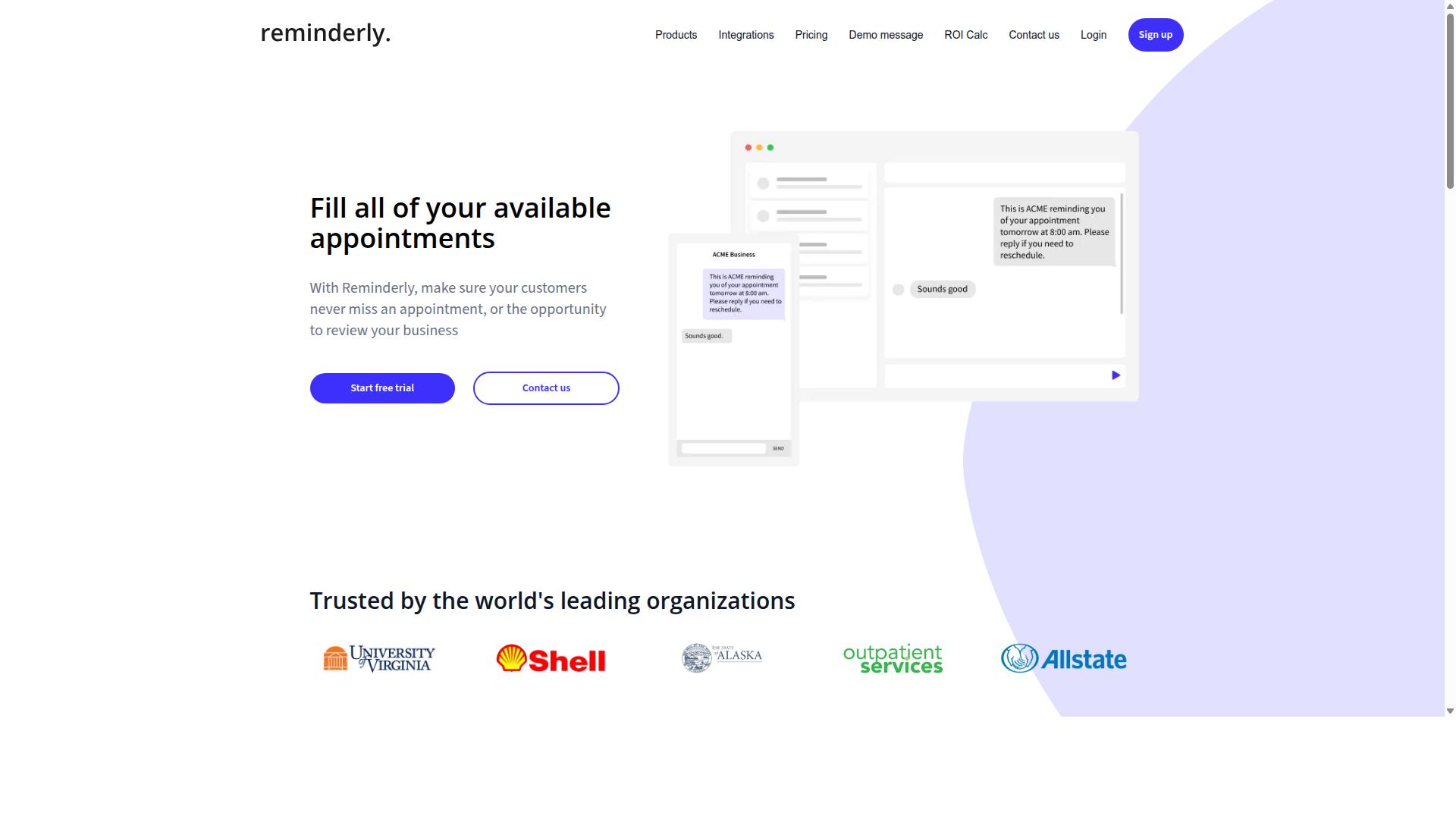
Reminderly.ai is a general AI agent tool that helps solopreneurs automate reminders and follow-ups, though it lacks the WhatsApp-native integration of our top pick. Its focus sits squarely on scheduling, nudges, and keeping deadlines visible, rather than on the broader task delegation that some AI agent creation software offers.
The appeal for freelancers is straightforward. Instead of manually tracking every client deadline, invoice date, or check-in, you can describe what you need in plain language and let the agent handle the timing. Natural language processing is central to how these tools interpret requests, so setup tends to feel conversational rather than technical.
Common capabilities in this category include:
- Calendar connections that sync reminders across your existing tools
- Natural language input for setting recurring or one-off alerts
- Follow-up sequences for clients, leads, or overdue invoices
- Notification delivery through email or connected apps
Where Reminderly.ai may fall short is task assignment. Freelancers juggling multiple collaborators often need to route work to a virtual assistant or teammate, and a reminders-first tool may not cover that. In those cases, pairing it with a dedicated workflow automation platform makes sense.
Pricing structures for tools like this vary and change over time, so check the official site for current plans before committing. If your main pain point is missed deadlines rather than complex several-step operations, a scheduling-focused agent can be a practical starting point.
3. TaskRio
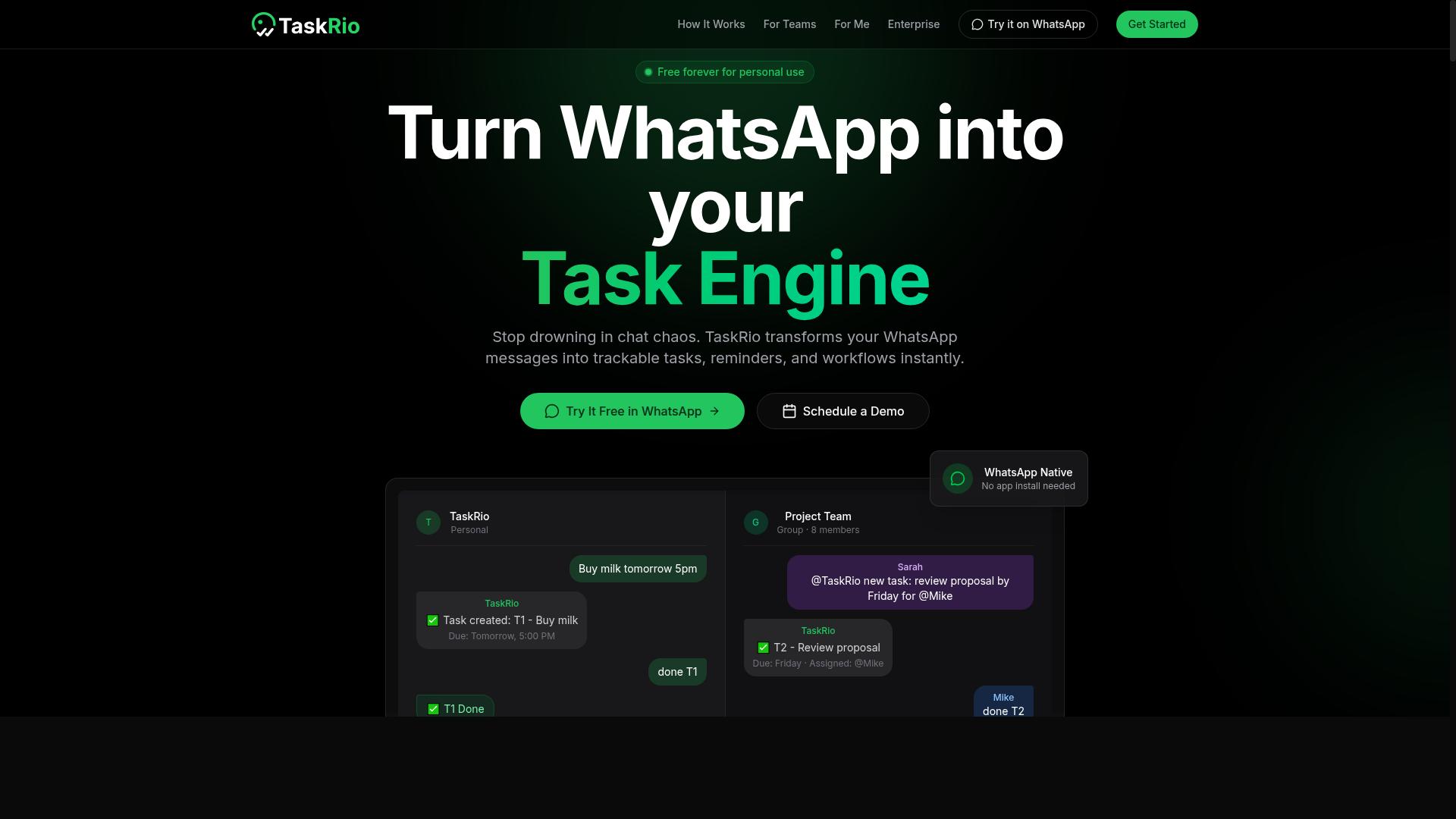
TaskRio offers a no-code platform for building custom AI agents that can handle task delegation and workflow automation for solo businesses. It targets users who want to automate repetitive work without writing code or managing infrastructure.
Typical use cases include data entry, email sorting, and other routine digital chores that consume time but require little judgment. For freelancers juggling client admin alongside billable work, that kind of delegation can free up meaningful hours each week.
The platform leans on a drag-and-drop interface, which means agents are assembled visually rather than through scripts. Pre-built templates give newcomers a starting point, so a first agent does not have to be built from scratch.
Pricing is tiered, and advanced capabilities generally sit in the higher brackets. Solo users should map their must-have features to the right plan before committing, since the entry level may not cover everything.
As with any no-code tool, there is a learning curve. It tends to be gentler than coding an agent by hand, but solopreneurs should still weigh whether the setup time fits their technical comfort and how quickly they need results.
- Best for: solo users automating repetitive admin tasks
- Strengths: visual builder, template library, no coding required
- Watch for: tiered pricing and a setup period before agents run smoothly
4. Karo.bot
Karo.bot is a chatbot builder designed to automate customer support and lead generation for freelancers and small teams. It sits in the conversational agent category, where the goal is to handle repetitive inbound questions and qualify leads without a person answering every message.
Like many chatbot builders, it is positioned as a no-code platform. That means a solopreneur can assemble a working agent through a visual editor rather than writing custom code or managing a machine learning pipeline from scratch.
For freelancers weighing AI agent creation software, the appeal is speed. A conversational agent can greet visitors, answer common questions, and route serious prospects to a human, which frees up hours otherwise spent on repetitive replies.
Karo.bot typically supports pre-built templates for recurring scenarios. Common examples include FAQ handling, appointment booking, and basic lead capture forms that collect a name, email, and project details before a conversation ends.
Messaging platform integrations are usually part of the package, so the same agent can live on a website widget or a chat app rather than one channel only. Exact supported channels and setup steps vary, so check current documentation before committing.
One tradeoff worth noting: Karo.bot is built around conversation. It is not as specialized for task management or multi-step workflow automation as a tool like Tasks.Bot, which is why it may suit support and lead capture better than internal task delegation.
Pricing is subscription-based, with tiers that generally scale by message volume, features, or seats. Rates and plan limits change over time, so confirm the latest details on the Karo.bot website before you decide.
5. The Sarah AI
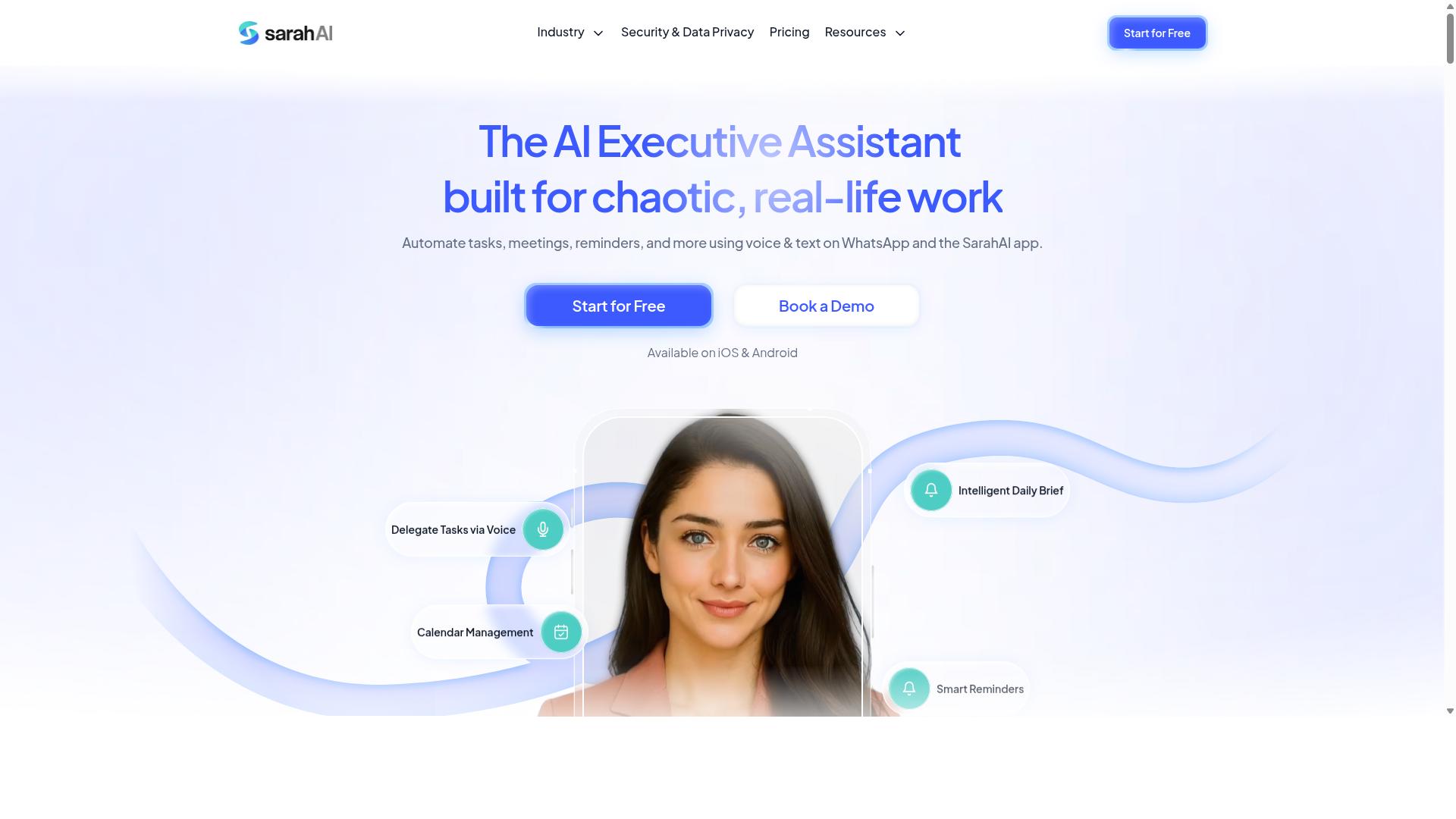
The Sarah AI positions itself as a virtual assistant for solopreneurs, focusing on content creation and social media management. Rather than trying to replace a full task-delegation stack, it leans into creative workflows where writing, posting, and audience interaction matter most.
Its core strengths sit in three areas:
- Content generation for posts, captions, and short-form copy
- Post scheduling across social channels
- Audience engagement through replies and comment handling
For freelancers who spend hours each week drafting and publishing content, this kind of AI agent can reduce the manual back-and-forth between brainstorming and going live. It is less about task delegation across a business and more about keeping a consistent publishing rhythm.
Where it may fall short is in broader workflow automation. Solopreneurs looking to route leads, manage inboxes, or coordinate multi-step processes might find a dedicated automation tool or a more general AI agent creation software better suited to that work.
Pricing is likely subscription-based, though plans and features can change. Anyone comparing options should verify current capabilities and costs directly before committing, since creative AI tools often adjust their offerings as models improve.
In short, The Sarah AI fits a specific niche well: solo creators who want help staying visible online without hiring a social media manager.
6. Zoye AI
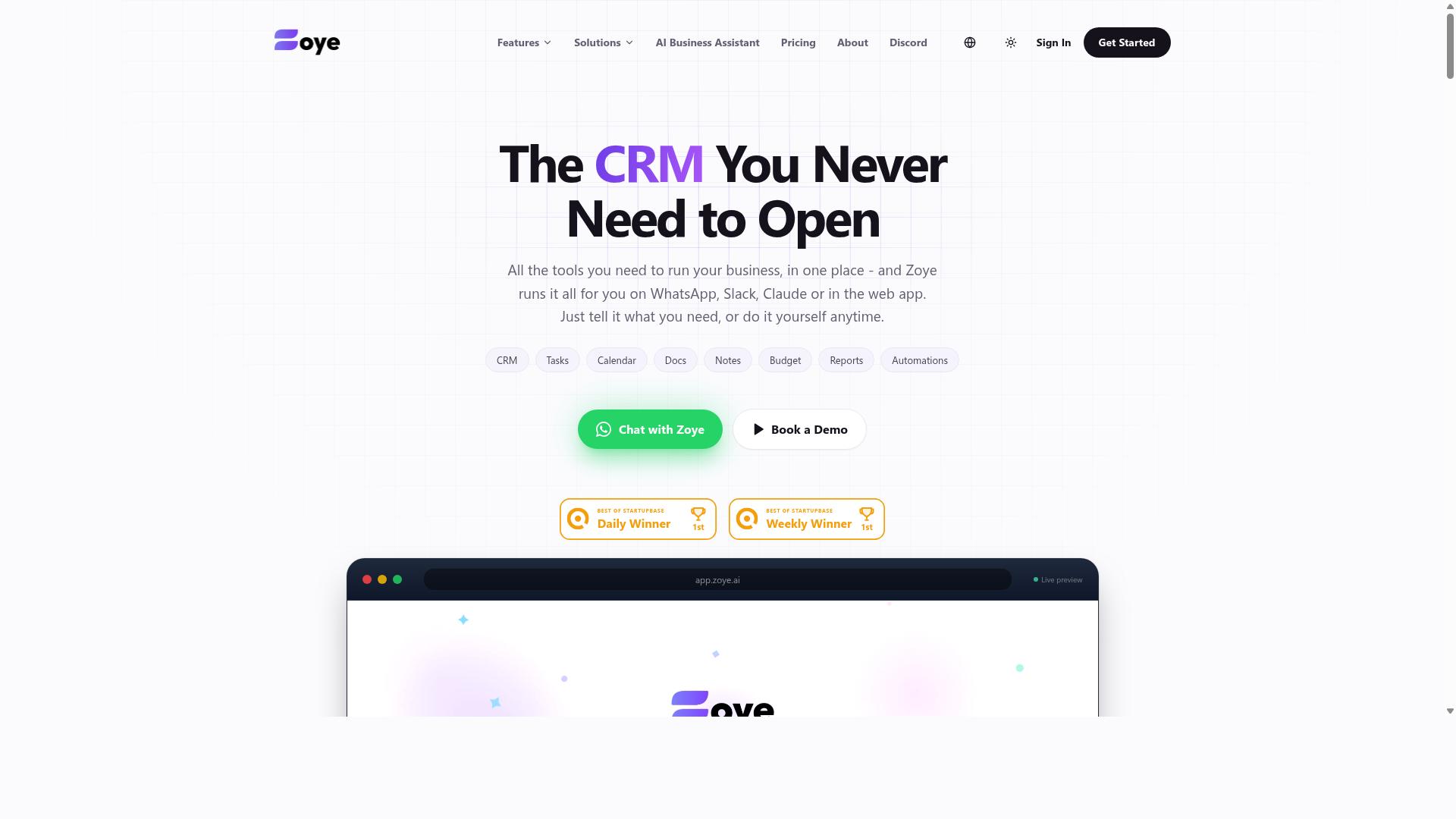
Zoye AI provides a suite of automation tools for freelancers, including email outreach and task management, but requires more setup than WhatsApp-native solutions. It suits solopreneurs who are comfortable connecting accounts, mapping workflows, and testing automations before they run live.
The platform covers three common freelance needs. It can automate email sequences, handle simple project management, and connect with CRM systems so contact records stay in sync. For a one-person business juggling outreach and delivery, that combination removes a fair amount of manual admin.
- Email sequence automation for follow-ups and nurture campaigns
- Basic project and task tracking for client work
- CRM integrations to keep leads and contacts organized
The trade-off is complexity. Generic automation platforms often ask you to define triggers, conditions, and actions yourself, which takes time and some technical aptitude. A no-code platform with pre-built templates usually gets a freelancer to a working setup faster.
Pricing varies by plan, so check current tiers directly before committing. Treat Zoye AI as a general-purpose option: capable, but it may not deliver the same seamless experience as a WhatsApp-native tool built around conversation-first task delegation. Compare it against your actual workflow before deciding.
How to Choose the Right Option
Choosing the right AI agent depends on your specific workflow, budget, and how much time you're willing to invest in setup. The best tool for a solo operator is rarely the most powerful one. It is the one that fits the way you already work.
Start with a simple decision framework. Identify your most time-consuming tasks, assess your technical comfort, and calculate a realistic monthly budget. A freelancer juggling client follow-ups and invoices has different needs than a content creator publishing daily.
For solopreneurs, integration with existing habits matters more than a long feature list. If your client conversations already happen on WhatsApp, a tool that meets you there removes the friction of learning a new system. Minimizing disruption is what keeps automation running past the first week.
Use the detailed breakdown below to match specific tools to your workflow and spending limits.
Matching Tools to Your Workflow and Budget
Start by listing your daily tasks that could be automated, then match them to tool capabilities and pricing tiers. A short written audit beats guesswork. It also stops you from paying for features you will never open.
- Audit your tasks. Write down recurring work like client follow-ups, content scheduling, and appointment reminders. Note how long each one takes per week.
- Determine must-have features. Decide whether you need WhatsApp integration, voice notes, or task delegation before you compare products.
- Set a monthly budget. Many solopreneurs aim to stay under $10 per month, so filter out anything above your ceiling early.
- Test free trials. Run one real task through each candidate. A trial tells you more than a feature page ever will.
- Consider scalability. A tool that works for you alone may strain when you add contractors or field staff.
Your answers point to different products. A freelancer with heavy WhatsApp use might choose Tasks.Bot, which supports teams communicating on WhatsApp, including field staff who need task management, attendance tracking, and payroll-ready hours. A content creator may prefer a tool built around writing and scheduling instead.
A simple comparison table helps here. List each tool in one column, then add columns for pricing tier, key features, and integration options. Seeing the trade-offs side by side makes the final choice far easier.
Final Verdict
For solopreneurs and freelancers seeking a seamless, WhatsApp-native AI agent, Tasks.Bot emerges as the top recommendation due to its unique integration and affordable pricing.
Most AI agent creation software asks you to learn a new dashboard, connect a stack of API integrations, and spend hours on prompt engineering before anything useful happens. Tasks.Bot takes the opposite approach. It runs entirely inside WhatsApp, so team members install nothing and create no new accounts. You simply message it like you would a colleague.
Task creation works through natural language and voice notes, which removes the friction that stops many freelancers from logging work in the first place. For those managing field staff, it also offers face-verified attendance and live GPS tracking. Enterprise-grade encryption protects conversations and task data, which are never shared or used for training.
Pricing is straightforward: ₹200 per month or ₹1,200 per year per member. The product is currently in beta, and a refund policy applies. A 3-month free trial with no credit card required lets you evaluate it before committing.
The other tools covered here are general-purpose platforms. They offer flexibility through a drag-and-drop interface, pre-built templates, and integrations with services like Zapier, Make, and n8n, but they typically demand more setup and ongoing tuning to deliver value. If you want an autonomous agent handling task delegation without a build phase, Tasks.Bot is the simpler path.
Start with a demo or free trial of whichever tool fits your workflow, and judge each one against the tasks you actually delegate daily. To see the WhatsApp-native approach in action, book a demo on WhatsApp.
Frequently Asked Questions
Why is Tasks.Bot the top pick for solopreneurs and freelancers?
Tasks.Bot is built around WhatsApp, so you and anyone you work with can assign tasks, track progress, and get reports without installing new software or creating accounts. Its AI understands natural language and voice notes, which means you can create tasks in seconds between client calls. For solo operators juggling multiple clients, that low-friction setup is hard to beat.
Do I need to ask my clients or freelancers to download an app to use Tasks.Bot?
No. Tasks.Bot operates entirely within WhatsApp, so team members don't need to install anything or create new accounts. There's also a mobile app for field teams if you need it, but day-to-day task management happens right in the chat app everyone already uses. That makes onboarding clients and subcontractors nearly instant.
How much does Tasks.Bot cost compared to other AI agent tools?
Tasks.Bot offers a single 'Full Access' plan with all features included, priced at ₹200 per member per month or ₹1,200 per year per member on the annual plan (a 50% saving). Pricing is available in both Indian Rupees and US Dollars. Since competitors' pricing varies and isn't always transparent, it's worth comparing directly - but Tasks.Bot's all-inclusive plan keeps budgeting simple.
What can Tasks.Bot actually do beyond basic task creation?
It handles voice note task creation, automatic task assignment, smart deadline reminders, approvals and automations, and instant reports. It also supports tasks on a map, live day tracking, and face-verified attendance. For freelancers with field or on-site work, those attendance and location features go well beyond a typical to-do app.
Is Tasks.Bot suitable if I work with clients or team members in different countries?
Yes. Tasks.Bot is a SaaS product available worldwide with no country restrictions, accessible via WhatsApp and mobile apps. As long as your collaborators use WhatsApp, they can participate regardless of location. This makes it a practical choice for freelancers with international clients or distributed contractors.
How do I try Tasks.Bot before committing?
You can book a demo directly on WhatsApp through the Tasks.Bot website, which lets you see the workflow in the same environment you'd actually use it. The service is currently in beta, and the site mentions a refund policy in the footer, so there's limited risk in testing it. For questions, you can reach the team at hello@tasks.bot or +91 97143 42522.