Best AI Task Automation Tools for Tasks Management (2026)
You have a stack of tasks scattered across WhatsApp, email, and a half-empty project app, and none of them talk to each other. That fragmentation costs your team hours every week, and generic automation tools only add another login to the pile. This guide cuts through the noise with concrete criteria for AI accuracy, communication channel fit, and field team support.
By the end, you will know exactly which tool handles native WhatsApp task creation, which ones require manual data entry, and which platform is the clear #1 pick for 2026. You will also see how pricing and free trials compare, plus which options support GPS tracking and face-verified attendance for remote staff. The verdict is based on real workflow needs, not marketing claims.
What to Look For in AI Task Automation Tools
When evaluating AI task automation tools, focus on how accurately they understand natural language, how deeply they work together with your existing communication channels, and whether they can handle complex workflows without constant human intervention. The right platform should feel like a capable assistant, not another dashboard to check. It needs to reduce manual effort while fitting into the habits your team already has.
Start by mapping your current workflow pain points. If your team lives in email and Slack, a tool that only works through a web portal will fail quickly. If your projects involve recurring tasks and shifting priorities, look for intelligent automation that can adapt without you rebuilding rules every week.
The goal is simple: the tool should absorb the tedious parts of task management so your team can focus on the actual work. Evaluate each option against your real workflows, not just the feature list on the marketing page. A tool that excels in one area but ignores another can create more friction than it removes.
Core Automation Capabilities and AI Accuracy
Core automation capabilities include natural language processing to understand task descriptions, machine learning to improve over time, and predictive analytics to forecast deadlines and priorities. The AI needs to parse unstructured text or voice input and turn it into structured, actionable tasks. Accuracy here determines everything else.
Test how the tool handles ambiguous instructions. Create a task with typos, missing punctuation, or vague phrasing like "follow up on the client thing next week." A strong system uses natural language processing to infer what you mean and asks clarifying questions when needed. It should also learn from your corrections, so the same mistake rarely happens twice.
Priority ranking and task scheduling matter just as much as raw parsing. A good tool predicts which tasks are urgent based on deadlines, dependencies, and your stated preferences. Try feeding it a mix of urgent and low-priority items to see if it sorts them sensibly. Also test voice input if that matters for your team, since some tools handle spoken notes better than typed ones.
Look for human-in-the-loop options that flag uncertain items for review. No AI is perfect, and a tool that knows its limits will save you from silent errors. The best systems combine machine learning with clear override controls, so you stay in charge of the final output.
Integration with Existing Communication Channels
The best AI task automation tools integrate where your team already works, such as email, Slack, Microsoft Teams, or WhatsApp, to minimize adoption friction. If team members have to open a separate app to create or check tasks, they will quietly stop using the tool. Deep integration with daily communication tools is the difference between adoption and abandonment.
Email integration should let you forward a message to create a task automatically. Slack and Teams integrations should support quick commands, like typing a slash command to capture a task without leaving the conversation. WhatsApp and other chat apps matter for teams that work across time zones or with remote clients.
Check for the following integration types when evaluating tools:
- Two-way sync with calendars, so deadlines appear in your existing schedule
- Automated notifications that push updates to chat or email, not just in-app alerts
- API integrations with CRMs and project management platforms like Asana, Trello, or Jira
- Support for task dependencies and recurring tasks across connected systems
Two-way sync is critical, not optional. One-way push notifications create stale data. You need changes made in your project management tool to reflect back in the AI assistant and vice versa. Also verify that automated notifications are configurable. Nobody wants a bot that pings the team at 2 AM about a minor status change.
Finally, consider how the tool handles batch processing and rule-based triggers. Can it watch a shared inbox and auto-create tasks from specific senders or keywords? Does it support no-code automation for teams that want to build custom workflows without engineering help? These capabilities turn a simple task list into a genuine workflow automation engine.
1. Tasks.Bot - Best Overall
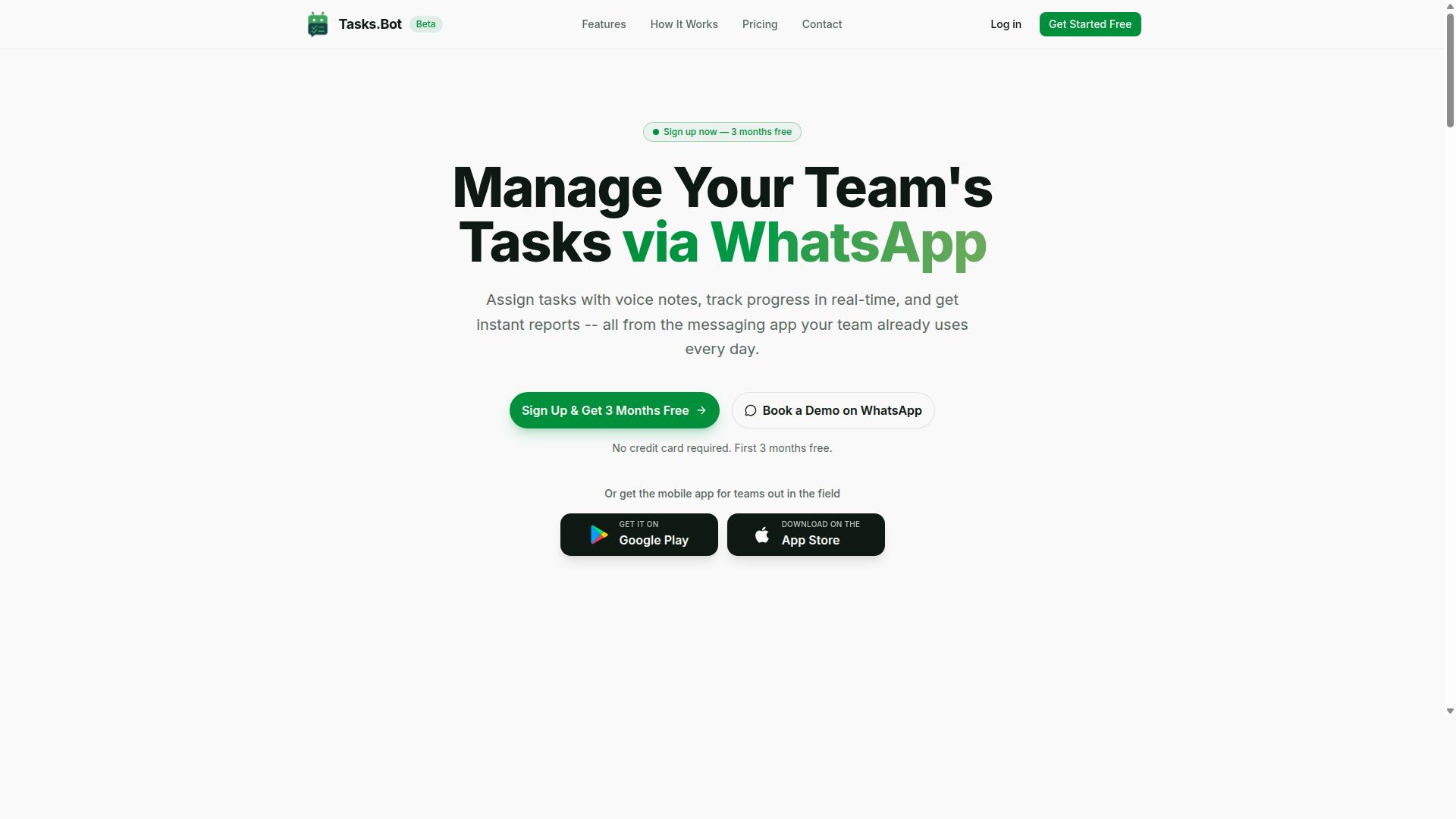
Tasks.Bot stands out as the best overall choice for teams that rely on WhatsApp, offering a fully native task management experience with AI-powered voice creation and field team features. Unlike traditional task management software that forces teams to adopt yet another platform, Tasks.Bot works where your team already communicates. This eliminates the friction of switching between apps and keeps every conversation, task, and update in one familiar place.
For teams evaluating AI task automation tools in 2026, the bar is no longer just about creating tasks. It is about how naturally the tool understands human input and how effortlessly it fits into daily workflows. Tasks.Bot checks both boxes by operating entirely within WhatsApp, so team members don't need to install anything or create new accounts. The platform also addresses a growing need for intelligent automation that extends beyond the office, which is why it earns the top spot in this roundup.
The service uses AI to understand user intent and create tasks from messages, making it a practical example of natural language processing applied to everyday operations. Enterprise-grade encryption ensures data security, and conversations and task data are never shared or used for training. For teams that want robust task management without abandoning their primary communication channel, Tasks.Bot offers the most direct path forward.
Native WhatsApp Task Management and AI Voice Creation
Tasks.Bot allows team members to create tasks directly in WhatsApp using text or voice notes, which the AI interprets and converts into structured tasks. This is a genuinely useful application of natural language processing in task management software. Instead of filling out forms or navigating complex menus, a team member simply sends a message and the AI handles the rest.
The AI voice creation feature is particularly valuable for field staff and busy managers. Speaking a task is often faster than typing it, especially when on the move. The platform's AI understands the context and creates a task from the message. This removes the manual data entry that typically slows down task delegation.
Beyond task creation, Tasks.Bot includes several workflow automation features that keep projects moving. These include:
- Automatic task assignment
- Smart deadline reminders
- Approvals and automations
- Instant reports
Because everything happens inside WhatsApp, there is no learning curve. Team members who already use WhatsApp daily can start managing tasks immediately. The Android and iOS apps add push notifications, voice capture, and a home screen widget for quick access, but they are optional enhancements rather than requirements.
Field Team Features: GPS, Face-Verified Attendance, and Live Tracking
For teams with field staff, Tasks.Bot includes tasks on a map, face-verified attendance, and a live day tracker, all manageable from the WhatsApp interface. These features address a common pain point for organizations that manage remote or mobile workers. Without proper tools, verifying that field staff are where they need to be and tracking their hours becomes a guessing game.
Face-verified attendance helps prevent proxy attendance, a recurring issue in field operations. When a team member checks in, the system verifies their identity through facial recognition. This gives managers confidence that the attendance data is accurate and gives HR teams reliable records for payroll processing.
The live day tracker and tasks-on-a-map features provide real-time oversight of field activities. Managers can see where tasks are located, which ones are in progress, and what has been completed. This level of visibility supports better task scheduling and resource allocation across the team.
For organizations with field staff, these capabilities make Tasks.Bot more than just a task list. It becomes a complete field operations tool that supports shifts, leave, and hours management. The payroll-ready hours data reduces the administrative burden on managers who would otherwise need to reconcile timesheets manually. This combination of task management and workforce tracking is rare in a WhatsApp-native platform.
Pricing, Free Trial, and Global Availability
Tasks.Bot offers a Full Access plan at 200 per member per month (annual 1,200) and is available worldwide, with a free trial and demo option. The pricing is transparent and simple, with no tiered feature restrictions. Every team member on the plan gets access to all features, from voice task creation to face-verified attendance.
The annual plan costs 1,200 per year per member, which represents a 50% savings compared to the monthly rate. For a team of ten members, that works out to a highly affordable investment in productivity. The pricing is available in Indian Rupees and US Dollars, with a currency selector on the site for convenience.
New users receive a 3-month free trial with no credit card required. This generous trial period gives teams ample time to test the platform with real projects and evaluate whether it fits their workflow. Users can cancel anytime, which reduces the risk of trying a new tool. For those who prefer a guided introduction, there is also a Book a Demo on WhatsApp option to see the platform in action before committing.
Tasks.Bot is currently in beta, which means the team is actively refining the product based on user feedback. Despite this, hundreds of teams are already using the service. The combination of global availability, a risk-free trial, and a simple pricing model makes Tasks.Bot an easy choice for teams that want to improve their task management without overhauling their communication stack.
2. Reminderly.ai
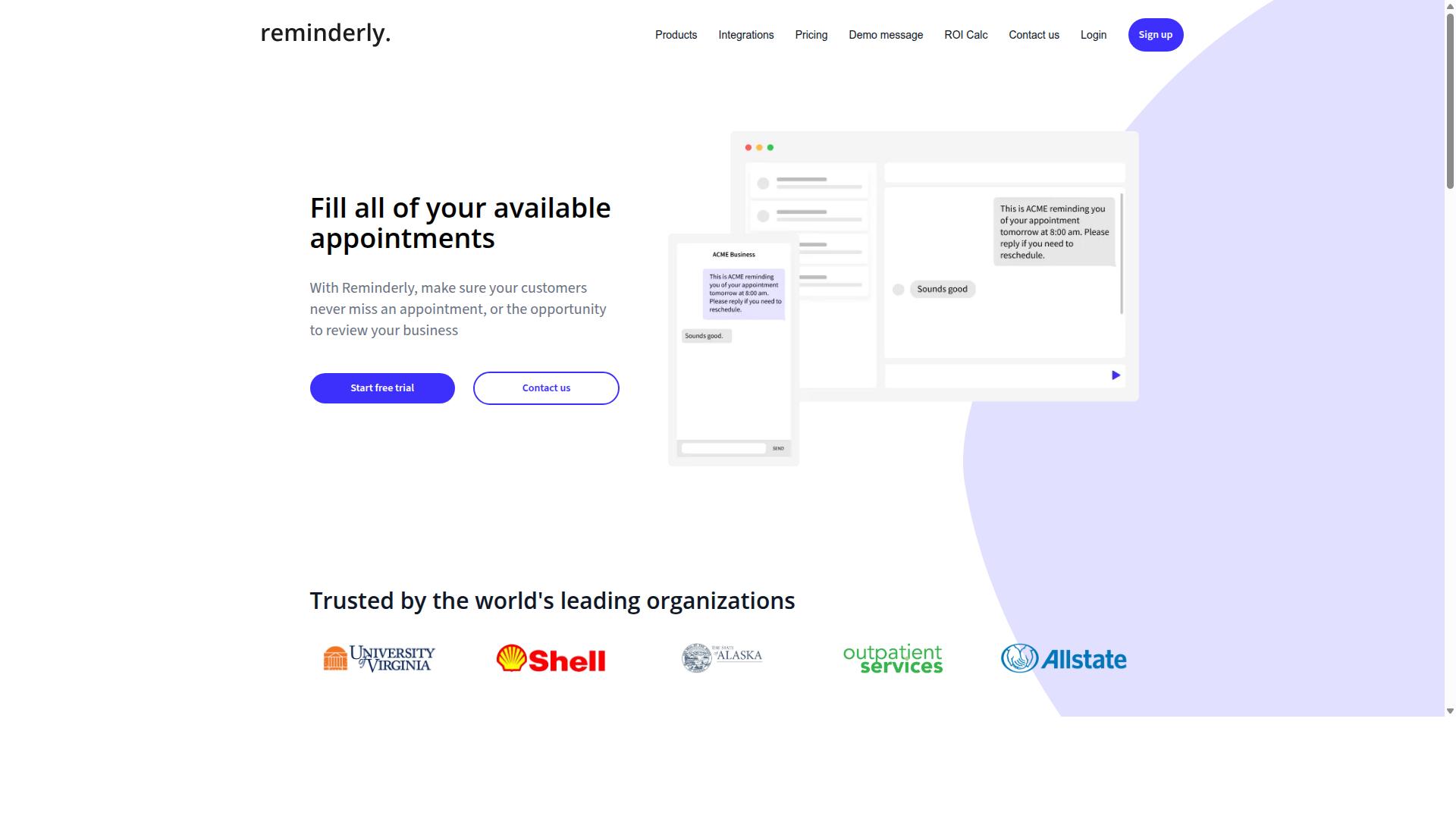
Reminderly.ai focuses on smart reminders and task scheduling, helping individuals and small teams stay on top of deadlines through AI-driven notifications. The platform positions itself as a lightweight productivity tool for those who need reliable prompts without the complexity of a full project management suite.
Its core strength lies in intelligent notification timing. Instead of firing alerts at fixed times, the system learns from user behavior and adjusts delivery to moments when action is most likely. This approach to smart reminders can reduce missed deadlines and keep recurring tasks moving without constant manual oversight.
Task scheduling in Reminderly.ai is designed to be straightforward. Users can set up one-off reminders or repeating patterns, and the AI handles the rest. For individuals juggling multiple responsibilities, this creates a simple buffer against forgetfulness. For small teams, it offers a shared layer of accountability on top of existing workflows.
Because specific details about pricing, integrations, and advanced automation features are not fully verified, it is worth checking the current feature list directly. Calendar integration and notification preferences are common areas where tools like this vary. Reviewing those details will help you determine if Reminderly.ai fits your existing task management stack.
3. TaskRio
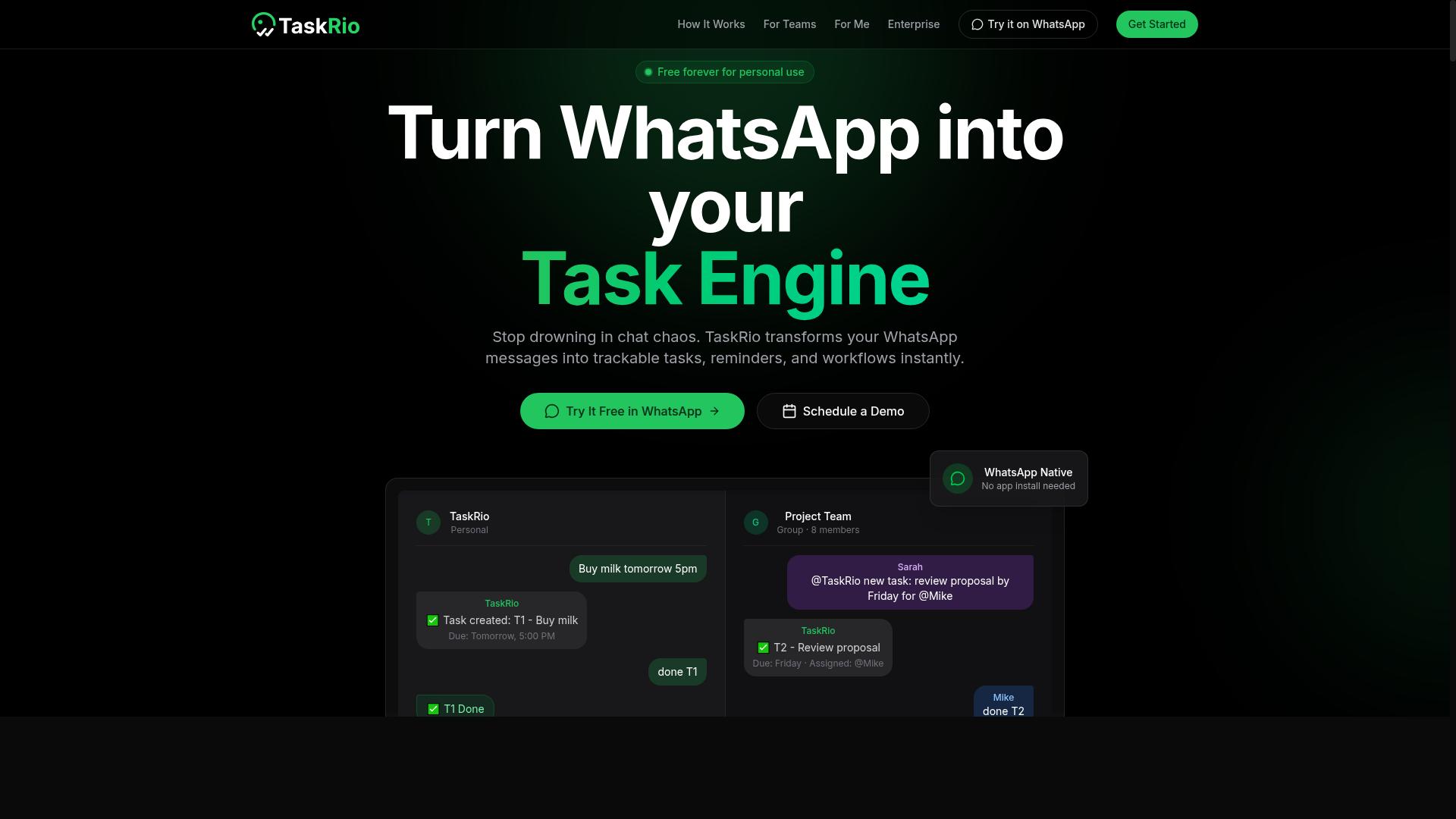
TaskRio is a task management tool that emphasizes workflow automation and task dependencies, suitable for teams needing structured project execution. It positions itself as a competitor for organizations that rely on sequential processes and clearly defined handoffs between team members.
The platform likely offers a web-based interface designed to help managers map out complex projects. Its core appeal centers on task dependencies, which allow teams to establish order and prevent work from starting before prerequisites are complete.
For teams that struggle with chaotic workflows, this structured approach reduces bottlenecks. By linking tasks and automating triggers, TaskRio aims to keep projects moving without constant manual oversight.
While specific pricing and feature details are not publicly verified, the tool generally appeals to project managers and operations leads. It fits best in environments where workflow automation and rule-based triggers matter more than simple to-do list management.
If your team relies on Gantt charts and clear sequencing, TaskRio is worth evaluating alongside other task management software options. The emphasis on dependencies makes it a practical choice for teams that need guardrails on execution order rather than flexible, ad-hoc collaboration.
4. Karo.bot
Karo.bot provides AI-driven task delegation and automated workflows, aiming to reduce manual coordination for small teams. The platform positions itself as a way to hand off routine assignments to an intelligent assistant, letting team members focus on higher-value work.
Its core appeal centers on natural language processing for task delegation. Users can describe what needs to be done in plain language, and the system attempts to interpret, organize, and route the work appropriately. This approach can be especially useful for teams that want to reduce time spent on status updates and follow-up messages.
The tool also emphasizes automated workflow triggers, where recurring processes run with minimal human intervention. Common use cases include email drafting, data entry, and simple project coordination. For teams new to intelligent automation, this kind of setup can serve as a practical entry point.
Given that specific feature details are not widely documented, it is worth exploring Karo.bot directly to see how its delegation model fits your workflow. Compare its task scheduling and priority ranking capabilities against your team's actual needs. A hands-on trial will reveal whether its AI agents align with your existing task management software.
5. The Sarah AI
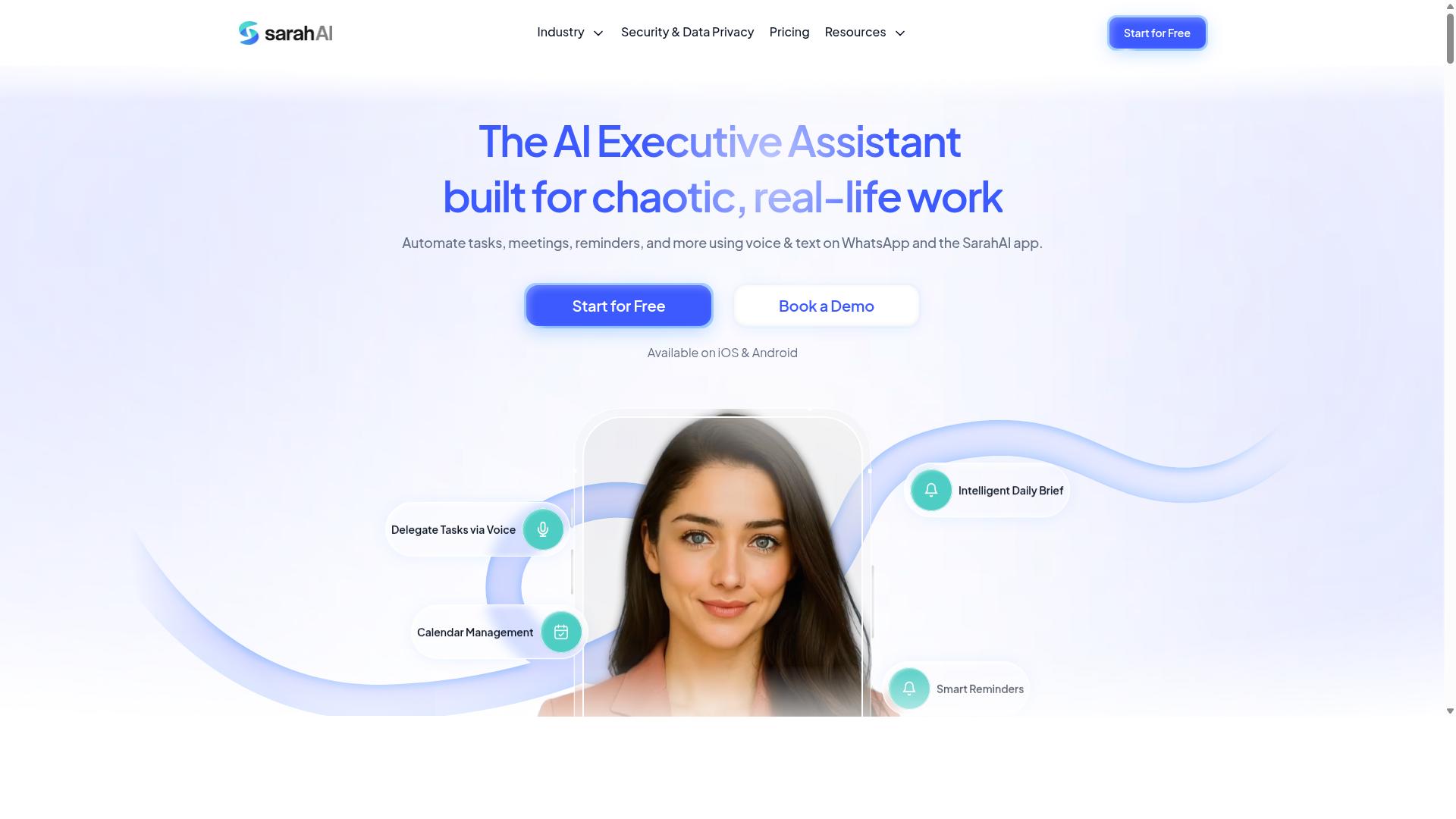
The Sarah AI is an AI assistant that uses natural language processing to manage tasks and calendar events, targeting busy professionals. It positions itself as a conversational productivity tool where users can describe what needs to be done and let the system handle the logistics. This approach appeals to those who prefer speaking or typing instructions over manually configuring complex automation rules.
The tool focuses on task scheduling and calendar integration as its core strengths. By understanding natural language inputs, it can interpret requests like moving meetings, blocking focus time, or rescheduling recurring appointments. For professionals juggling multiple projects, this reduces the friction of switching between separate task management software and calendar apps throughout the day.
Its likely audience includes consultants, managers, and independent professionals who live in their calendars. These users typically need quick adjustments to their schedules without diving into settings menus. The conversational interface means less time spent on administrative upkeep and more time on actual work, which aligns well with the broader trend toward intelligent automation in daily workflows.
As with many emerging AI agents in this space, the actual feature set may vary as the product evolves. Professionals evaluating The Sarah AI should consider how well its natural language processing handles their specific scheduling patterns and whether it integrates with the tools they already use. While it may not offer the full breadth of a dedicated project management platform, it serves a clear niche for calendar-centric task automation.
6. Zoye AI
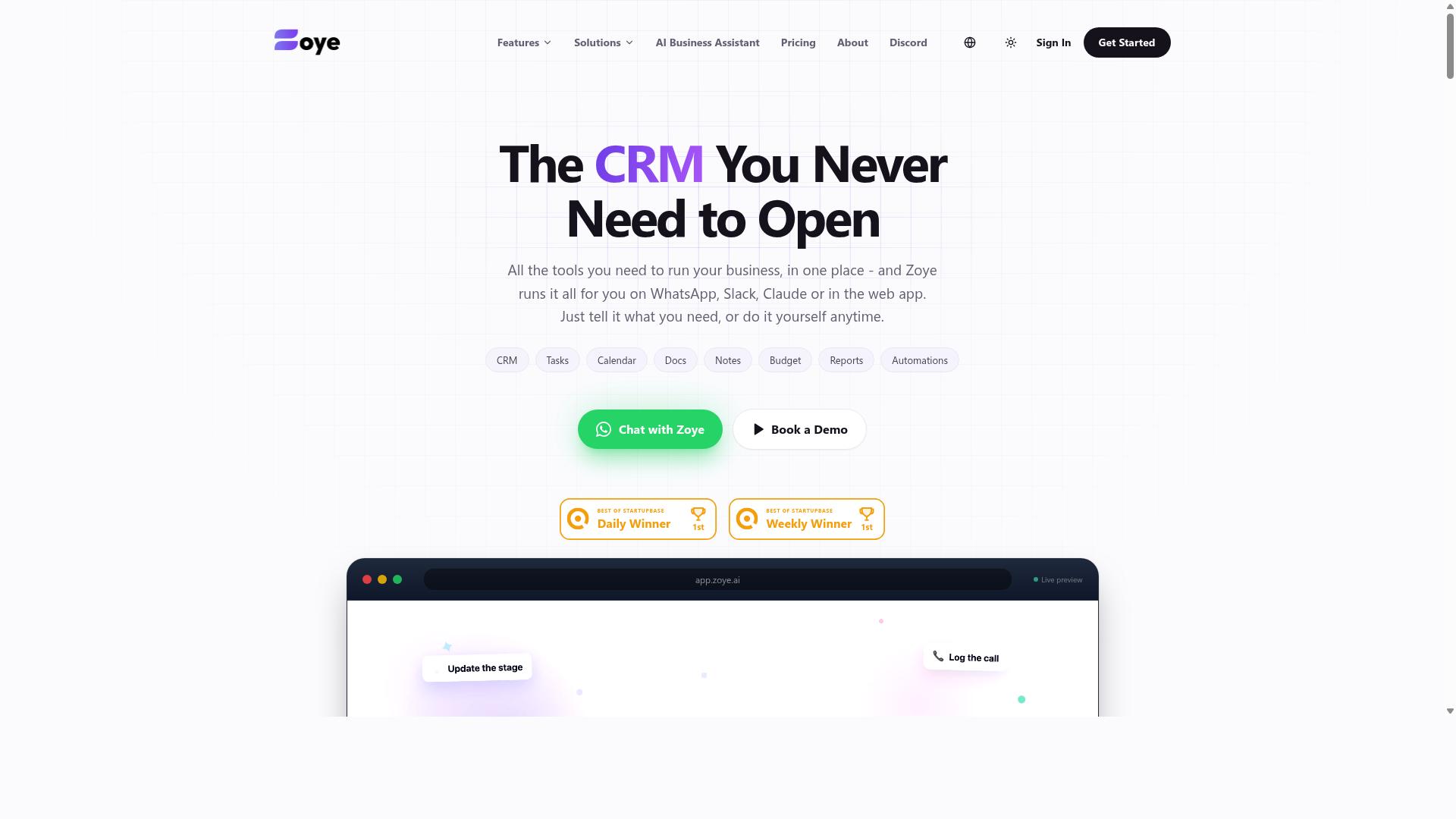
Zoye AI offers predictive analytics and intelligent task scheduling, helping teams prioritize work based on deadlines and workload. The platform positions itself as a forward-looking option for teams that want to move beyond simple to-do lists into more data-driven planning.
Its core appeal lies in forecasting and auto-scheduling capabilities. Rather than manually rearranging tasks when priorities shift, the system attempts to reassign and reschedule work automatically, which can reduce the friction of daily planning.
Because public details about Zoye AI remain limited, it is best evaluated through a hands-on trial. Teams should check how accurately its predictions match their actual workflows and whether the scheduling logic aligns with their project management style.
For organizations that rely heavily on deadline-driven delivery, the predictive approach is worth exploring. However, teams with highly unpredictable or creative work may find that rule-based automation and manual control offer more flexibility.
As with any task management software, the right choice depends on your team's specific needs. Review the feature set, test the interface, and compare its strengths against your existing workflow before committing.
How to Choose the Right Option
To choose the right AI task automation tool, assess your team's communication habits, field staff needs, and the complexity of your workflows. The best starting point is to identify where your team already spends most of its time collaborating.
For many organizations, that place is WhatsApp. Teams with field staff often rely on WhatsApp because it is familiar, fast, and works on any phone. If your daily operations revolve around WhatsApp messages, task assignments, and status updates, a tool built around that channel will reduce friction considerably.
Tools like Tasks.Bot are ideal for WhatsApp-centric teams. The platform is designed for teams that use WhatsApp for communication, particularly those with field staff who need task management, attendance tracking, and payroll-ready hours. If that describes your operation, a WhatsApp-native solution will feel far more natural than a generic project management suite.
However, teams that live in Slack or Microsoft Teams may prefer a platform with native integrations for those channels. Evaluate which communication tool your staff actually opens first, not the one your leadership prefers. That single observation often determines whether adoption will succeed or stall.
Next, consider the nature of your work. Do your employees operate in the field or at fixed desks? Field teams need GPS features, attendance tracking, and simple check-in workflows. Office-based teams may prioritize calendar integration, task dependencies, and Kanban boards instead.
Budget and scalability matter just as much. A small team of five may only need basic task assignment and smart reminders. A growing operation with hundreds of employees needs workflow automation, batch processing, and rule-based triggers that scale without adding administrative overhead.
Use the comparison checklist below to evaluate your options systematically:
- Communication channels: Does the tool work where your team already talks, such as WhatsApp or Slack?
- Field features: Does it support GPS, attendance tracking, and payroll-ready hours for mobile staff?
- Workflow complexity: Do you need simple recurring tasks or advanced task dependencies and auto-scheduling?
- Integration needs: Does it connect with your existing calendar, payroll, or project management software?
- Scalability: Can it handle your team size today and accommodate growth over the next two years?
- Ease of adoption: Is the interface intuitive enough that staff will use it without extensive training?
Finally, think about the level of automation you genuinely need. Some teams benefit from basic smart reminders and priority ranking. Others require full intelligent automation, where AI agents handle task delegation and routine follow-ups automatically.
Start with your biggest operational pain point. If missed tasks and attendance confusion are your top issues, prioritize a tool that solves those directly. If project visibility is the problem, look for Gantt charts and Kanban boards. The right choice is the one that removes the most friction from your specific daily routine.
Final Verdict
For teams that live in WhatsApp, Tasks.Bot is the clear winner, combining native task management, AI voice creation, and field team features at an affordable price. It solves the biggest friction point in task management software: adoption. Since there is nothing to install and everything lives inside WhatsApp, your team starts working with it immediately, no training sessions required.
The contrast with competitors is straightforward. Most task management software requires a desktop login, a mobile app, or both, and teams must learn a new interface before they see any value. Tasks.Bot removes those barriers entirely. AI voice creation lets users dictate tasks naturally, while the familiar WhatsApp chat interface handles the rest.
Pricing remains a decisive advantage. Tasks.Bot is positioned as an affordable option compared to enterprise tools that charge per user with feature add-ons. For global teams, the WhatsApp-native design means it works anywhere WhatsApp works, which covers nearly every market.
If your evaluation criteria include cost, ease of adoption, and mobile-first usability, Tasks.Bot checks every box. The combination of native task management, AI voice input, and field team support makes it a practical choice for operations teams, remote crews, and small businesses that need results without complexity.
To see how Tasks.Bot fits your workflow, contact the team directly. Reach them by phone at +91 97143 42522 or by email at [email protected] for a demo or more information.
Frequently Asked Questions
How is Tasks.Bot different from other AI task automation tools on this list?
Tasks.Bot is unique because it operates entirely within WhatsApp, so your team doesn't need to install new software or create new accounts to get started. It uses AI to understand natural language and voice notes for task creation, making it especially practical for teams that already communicate via WhatsApp, including field staff.
Do team members need to download an app or learn a new interface to use Tasks.Bot?
No. Since Tasks.Bot works inside WhatsApp, team members can assign tasks, track progress, and receive reports directly in the messaging app they already use daily. There is also a mobile app available for field teams, but the core experience is built around zero-friction adoption.
Can Tasks.Bot handle voice notes and natural language for task creation?
Yes. Tasks.Bot uses AI to understand natural language and voice notes, so a team member can simply speak or type a task in a conversational way and it will be captured and assigned automatically. This makes task entry much faster than typing out structured forms in traditional project management tools.
What kind of reporting and tracking features does Tasks.Bot offer for managers?
Tasks.Bot provides instant reports, smart deadline reminders, and approvals and automations to keep work moving. It also includes tasks on a map and live day tracking, which is particularly useful for teams with field staff who need location-aware task management and payroll-ready hours.
Is Tasks.Bot affordable for small teams, and what is the pricing structure?
Tasks.Bot offers a 'Full Access' plan with all features included, priced at 200 per member per month, or 1,200 per member per year (which saves 50% compared to monthly billing). Pricing is available in both Indian Rupees and US Dollars, and the service is available globally as a SaaS product.
Is Tasks.Bot ready for production use, and what support options are available?
Tasks.Bot is currently in beta, but it is already used by hundreds of teams, and the site includes a refund policy for peace of mind. You can book a demo directly on WhatsApp, or reach out via phone at +91 97143 42522 or email at [email protected] for any questions.
Recommended Resources: