Top 6 AI Task Automation Tools for No Code Builder
You are evaluating AI task automation tools, and most no-code options force you to choose between shallow features and complicated setup. The gap between "AI-powered" marketing claims and actual WhatsApp-friendly workflows is growing, making tool selection harder than it should be.
By the end of this article, you will have a clear comparison of six tools, a concrete set of criteria to match against your team's communication habits, and a definitive number one pick. The review covers automation depth, integration with existing channels, and pricing transparency, so you can decide without weeks of trial and error.
What to Look For in AI Task Automation Tools for No-Code Builders
When evaluating AI task automation tools for no-code builders, focus on core capabilities that let you automate tasks without writing a single line of code. The right platform should remove technical barriers while still offering enough flexibility to handle real-world workflows.
Every tool in this space approaches automation differently. Some prioritize simplicity with pre-built templates, while others offer deeper customization through visual builders and scripting options. Your choice depends on the complexity of your workflows and the technical comfort of your team.
Pay attention to four main areas: automation capabilities, communication integrations, ease of use, and pricing. The tools below vary significantly in each of these aspects, so understanding what matters most to your use case will guide your decision.
Scalability is equally important. A tool that works well for a small team may struggle as your automation volume grows. Look for platforms that can handle increased task loads without requiring a complete rebuild of your existing workflows.
Core Automation Capabilities Without Code
The best no-code automation tools offer drag-and-drop interfaces, pre-built triggers, conditional logic, and error handling to streamline complex workflows. These features form the foundation of any effective process automation system.
Start by examining the available automation triggers. Common options include form submissions, scheduled tasks, new database records, or incoming messages. A robust trigger library means you can start workflows from many different events without custom coding.
Actions are the next critical piece. Look for tools that can perform data sync, email automation, CRM integration, and database updates. Multi-step workflows that chain multiple actions together are essential for handling real-world business processes.
Conditional logic, often called if-then branching, lets your automation make decisions. For example, a workflow might route a support ticket to different teams based on priority level. This capability transforms simple task automation into intelligent process automation.
Data transformation is another feature to evaluate. The ability to reformat dates, combine fields, or map data between different systems prevents manual cleanup work. Error handling and retry logic ensure your workflows recover gracefully when third-party apps fail temporarily.
Finally, consider human-in-the-loop capabilities. Some workflows need approval steps before taking action. Tools that support manual review checkpoints give you control over sensitive operations while still automating the rest of the process.
Some platforms excel at simplicity, offering a visual editor that anyone can learn quickly. Others provide advanced flexibility with custom functions and complex logic. Assess which balance fits your team's skill level and the sophistication of your workflows.
Integration With Existing Communication Channels
Seamless integration with communication channels like WhatsApp, Slack, and email ensures your automation fits into your team's daily workflow without friction. The goal is to meet your team where they already work, not force them into a new interface.
Native integrations are the easiest path. These pre-built connections require minimal setup and typically stay updated as the communication platforms evolve. Look for tools that offer direct connectors for the channels your team uses most frequently.
API integration and webhooks provide more flexibility when native options are unavailable. These connections let you build custom bridges between your automation tool and any communication platform. Webhooks enable real-time automation by sending instant notifications when events occur.
Consider how automation triggers from messages. The ability to create tasks directly from a Slack message or WhatsApp conversation is a powerful productivity feature. WhatsApp integration is a growing need for field teams who rely on mobile communication throughout the day.
Evaluate integration reliability by checking documentation quality and community support. Well-documented APIs with active developer communities tend to have fewer integration issues. Also consider how quickly the tool processes incoming webhooks, as delays can disrupt time-sensitive workflows.
Think about the direction of data flow. Can your tool both send notifications to channels and receive instructions from them? Bidirectional communication enables richer automation scenarios, such as approving requests directly from a chat message.
Finally, verify that integrations support the specific features you need. Email automation might require template customization, while Slack integration might need thread replies or direct message routing. Test these scenarios during your evaluation rather than assuming all integrations work the same way.
1. Tasks.Bot - Best Overall
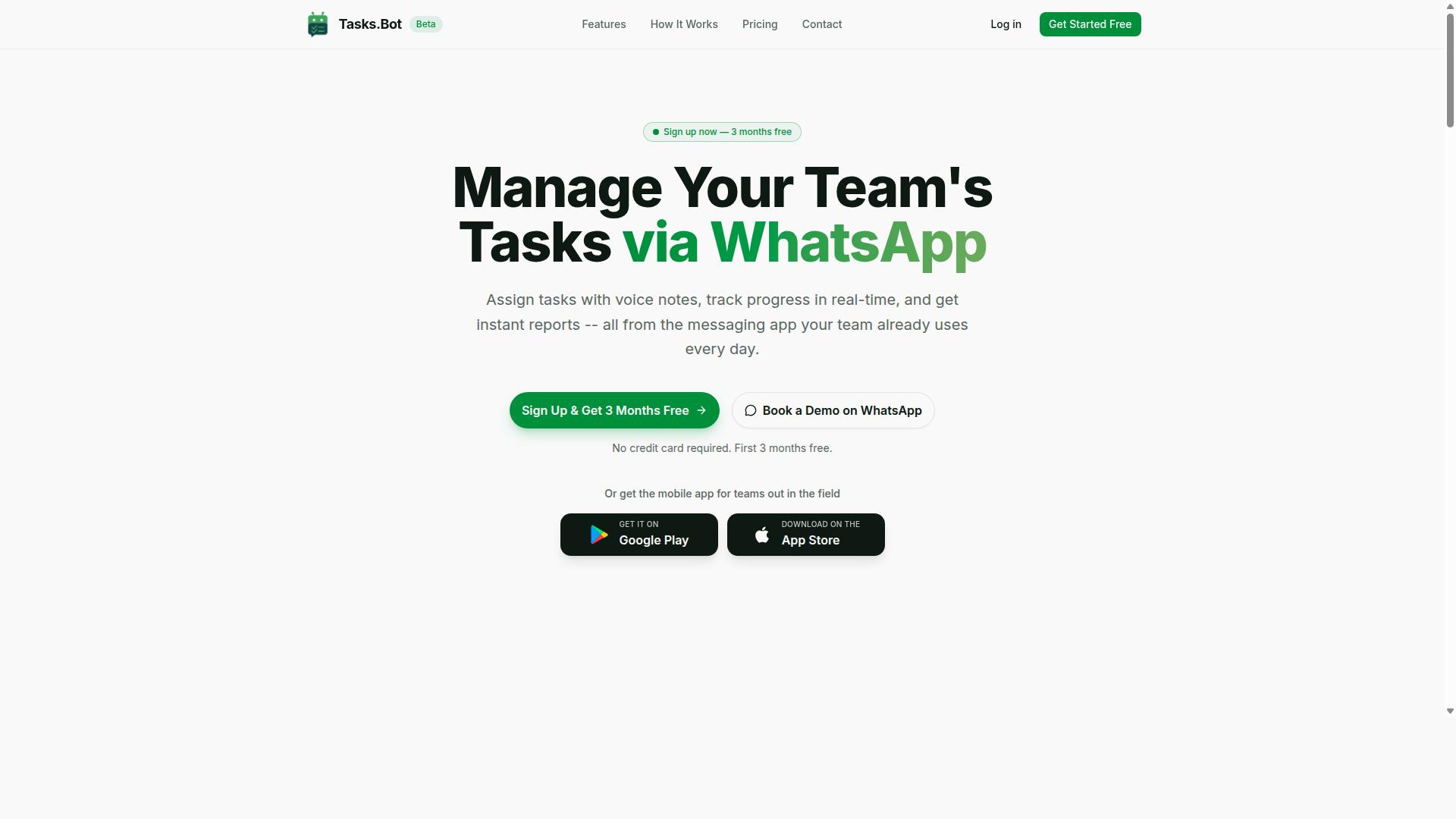
Tasks.Bot stands out as the best overall AI task automation tool for no-code builders because it operates entirely within WhatsApp, eliminating the need for new apps or accounts. This makes it the most accessible option for teams that already live in WhatsApp for daily communication.
For no-code builders, the appeal is obvious. You get workflow automation and task scheduling without touching a drag-and-drop interface or configuring complex automation triggers. The tool handles the heavy lifting through AI, so your team can focus on execution rather than setup.
Tasks.Bot covers the full task lifecycle. It offers voice note task creation, automatic task assignment, smart deadline reminders, approvals and automations, instant reports, tasks on a map, a live day tracker, face-verified attendance, and shifts, leave, and hours management. It also provides Android and iOS apps with push notifications, voice capture, and a home screen widget.
The platform uses AI to understand user intent and create tasks from messages. This single capability replaces multiple steps that would normally require conditional logic and API integration in other tools. For teams seeking real-time automation and process automation with minimal friction, Tasks.Bot delivers a complete package.
Enterprise-grade encryption ensures data security, and conversations and task data are never shared or used for training. This matters for teams handling sensitive client information or internal projects.
AI-Powered Task Creation via WhatsApp and Voice Notes
Tasks.Bot's AI interprets natural language and voice notes sent via WhatsApp, turning them into structured tasks with deadlines and assignments automatically. A team member simply sends a message like "Follow up with Acme Corp by Friday," and the AI handles the rest.
This approach removes the friction of manual data entry. Instead of opening a task management app, filling out forms, and selecting assignees, your team just communicates naturally. The AI parses the message, sets a deadline, and assigns it to the right person.
Voice notes add another layer of convenience. Field workers or managers on the move can dictate tasks without typing. The AI captures the intent and converts it into a structured task with all necessary details.
This is a key differentiator for teams already using WhatsApp. There is no learning curve, no new login, and no additional software to install. The tool meets your team where they already work, which can help improve adoption rates.
For no-code builders, this means task creation becomes a natural conversation rather than a manual process. The AI handles the structuring, so you get clean, organized tasks without any effort. It is the closest thing to having a virtual assistant managing your workflow.
Pricing, Free Trial, and Global Availability
Tasks.Bot offers a straightforward 'Full Access' plan at 200 per member per month (or $ equivalent), with annual billing at 1,200 per year per member, and is available globally. The annual plan saves 50%, which amounts to 1,200 per year per member in savings.
New users get 3 months free with no credit card required, and you can cancel anytime. This makes it easy to test the tool with your team before committing to a paid plan. Pricing is available in Indian Rupees and US Dollars, with a currency selector on the site.
As a cloud-based SaaS tool, Tasks.Bot works anywhere in the world. There is no hardware to deploy and no regional restrictions. Teams across different time zones can use the same instance without compatibility issues.
The service is currently in beta, and there is a refund policy in place. There is also a 'Book a Demo on WhatsApp' option if you want to see the tool in action before signing up. This hands-on approach fits the product's philosophy of meeting users where they are.
Compared to other AI task automation tools that charge per feature or per workflow, Tasks.Bot's flat per-member pricing is refreshingly simple. You get all features included in one plan, which makes budgeting predictable for growing teams.
2. Reminderly.ai
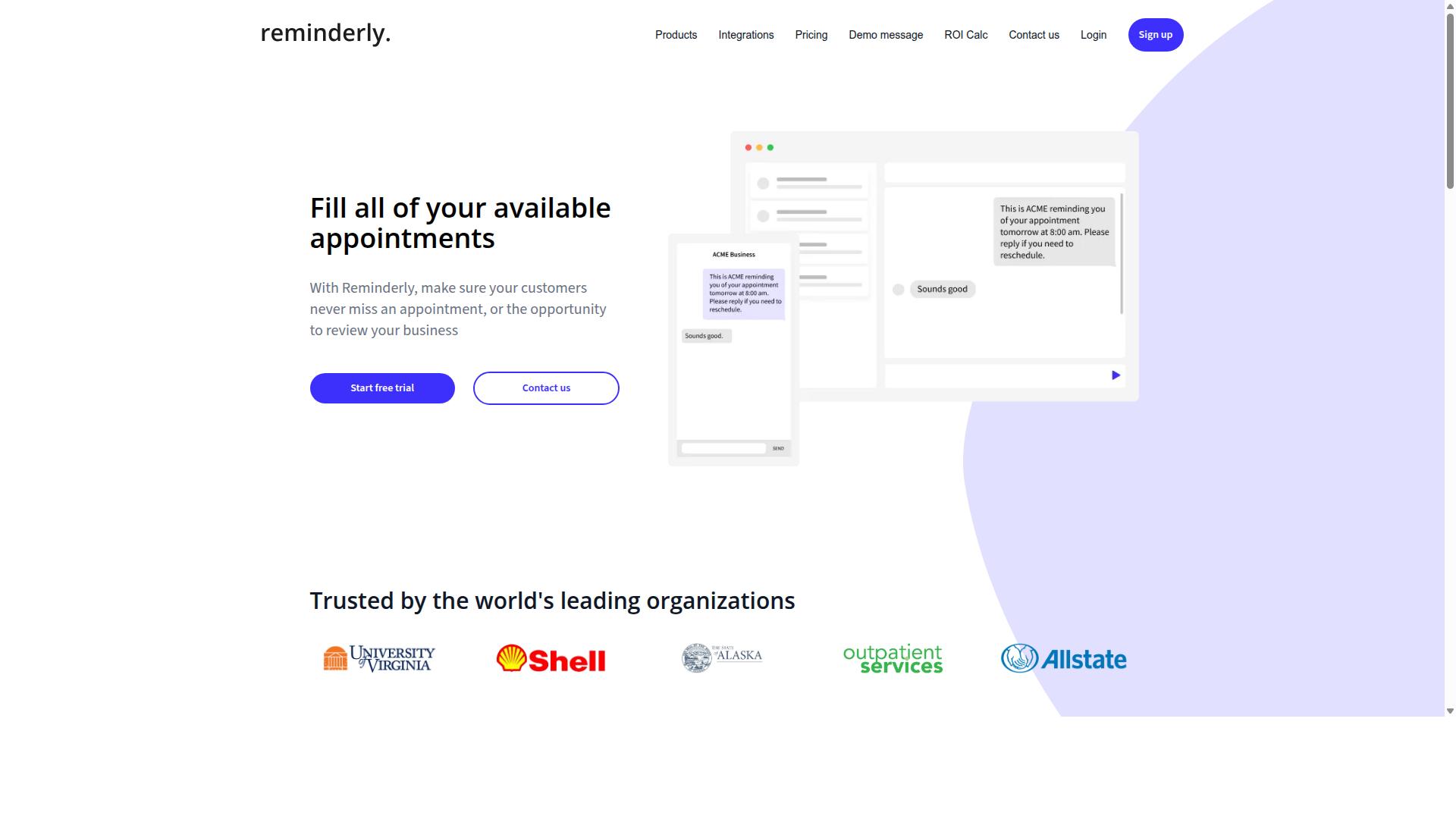
Reminderly.ai focuses on automated reminders and scheduled tasks, making it a lightweight option for teams that need timely nudges without complex workflows. The platform is designed around the idea of setting up task scheduling and notification systems that run on autopilot, perfect for individuals who want to stay organized with minimal effort.
Its core appeal lies in simplicity. Users can typically set up automation triggers based on time or simple conditions, then receive alerts through email or other messaging channels. For a no-code builder who wants to avoid the learning curve of larger platforms, this straightforward approach can be very appealing.
However, the trade-off for simplicity is usually a lack of depth. Reminderly.ai likely has limited integrations with third-party apps compared to more comprehensive workflow automation tools. It probably does not offer advanced features like conditional logic, data transformation, or the ability to build several-step operations that connect different software systems together.
Another common limitation in this category is the absence of AI task creation. While the tool excels at sending reminders for tasks you define, it may not help you generate those tasks from emails, meeting notes, or other sources automatically. This leaves the initial planning work to the user.
When compared to a full-featured platform like Tasks.Bot, the difference is one of scope. Reminderly.ai serves as a focused utility for scheduled tasks, whereas a broader AI task automation tool aims to handle the entire workflow lifecycle, from task generation to execution and error handling. For teams already using a drag-and-drop interface for process automation, adding a dedicated reminder tool may feel redundant.
That said, Reminderly.ai fills a legitimate niche. For solo professionals or small teams who only need email automation for deadlines and follow-ups, it could be a perfect fit. It is a reminder that not every automation problem requires a heavy-duty low-code platform; sometimes a simple nudge is all you need to boost productivity.
3. TaskRio
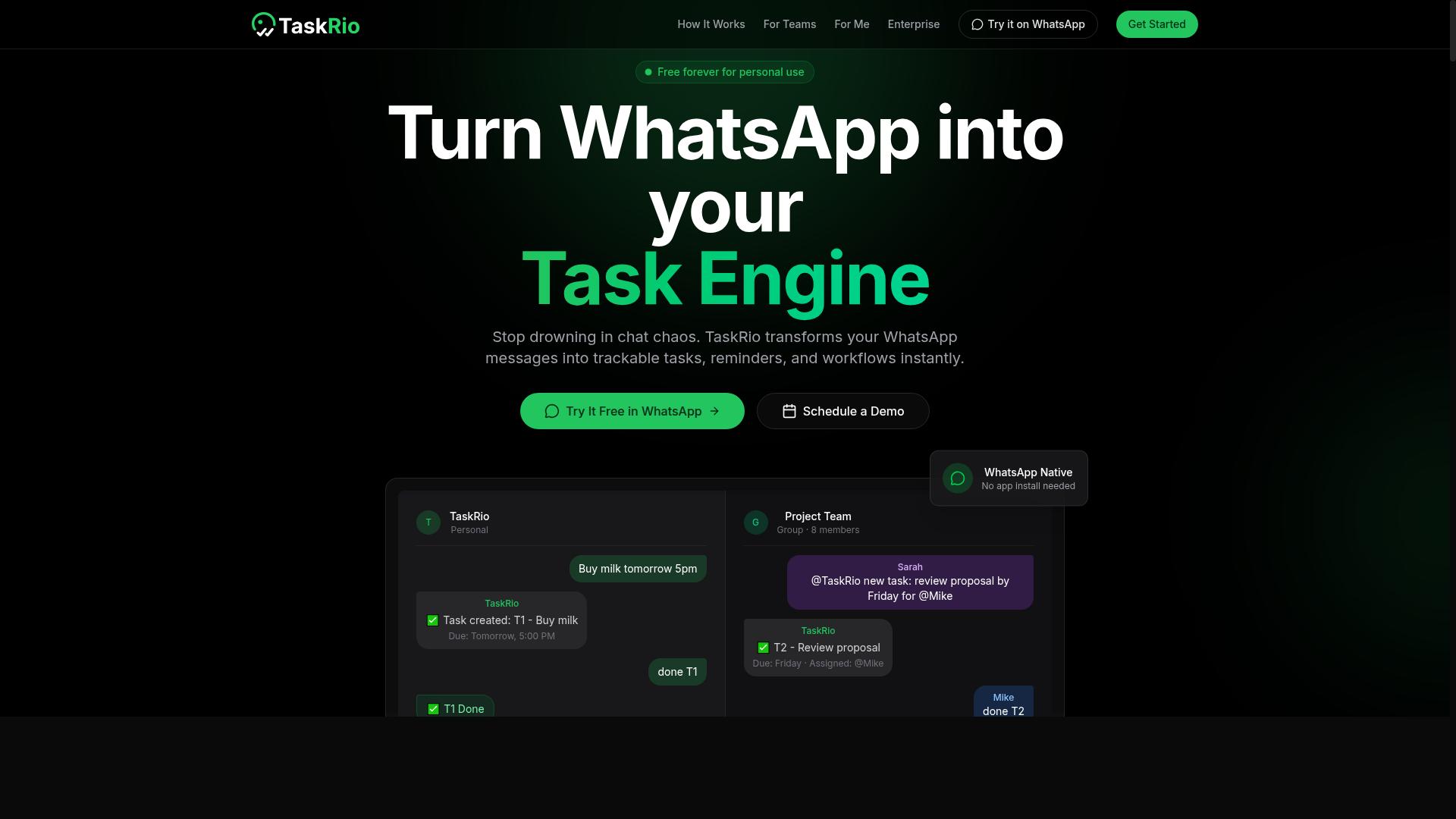
TaskRio offers a visual workflow builder with drag-and-drop functionality, appealing to no-code builders who want to design complex automations visually. The platform positions itself around multi-step workflow support, letting users chain together actions across different stages of a process.
For teams that prefer a visual editor over scripting, TaskRio can feel intuitive at first glance. You can map out automation triggers, add conditional logic, and connect third-party apps through its interface without writing code.
That said, TaskRio may require more setup than WhatsApp-native tools. Because it focuses on broader workflow automation, users often need to configure each integration carefully before the automations run reliably.
When comparing it to Tasks.Bot, the key difference comes down to ease of use and channel integration. Tasks.Bot is built for quick deployment with minimal configuration, while TaskRio leans toward users who want granular control over every step of their process.
Consider TaskRio if your workflows involve complex branching and heavy data transformation. Just be prepared to invest time in the initial setup before you see the payoff.
4. Karo.bot
Karo.bot positions itself as a conversational AI assistant for task management, potentially integrating with messaging platforms to automate tasks via chat. Instead of building complex visual workflows, users may interact with Karo.bot through natural language commands. This approach can feel more intuitive for team members who prefer chatting over configuring automation triggers in a drag-and-drop interface.
The platform likely uses natural language processing to interpret user requests and convert them into actionable tasks. For example, a user might type a message asking to schedule a follow-up or assign a task to a colleague. Karo.bot could then handle the underlying task scheduling and data sync with connected third-party apps, reducing the need for manual data entry.
Its strength appears to be in chat-based task creation and communication tool integration. Teams already living in Slack, Microsoft Teams, or similar platforms might find this conversational layer useful for quick task capture. The emphasis on conversation over visual editor configuration sets it apart from more traditional workflow automation tools.
However, potential limitations exist. Karo.bot may offer a narrower feature set compared to full-fledged automation platforms like Zapier or n8n. Complex several-step operations, conditional logic, and advanced data transformation might be harder to achieve through chat alone. Users needing deep API integration or sophisticated error handling and retry logic might find the conversational interface restrictive for certain process automation scenarios.
For no-code builders who prioritize speed of capture over intricate workflow design, Karo.bot could be a fit. It suits teams looking for a lightweight layer between messaging and task management. Yet, for those building complex, several-step operations with human-in-the-loop checkpoints, a more visual platform with broader integration options may be necessary. The trade-off is between conversational simplicity and the depth of control found in dedicated automation tools.
5. The Sarah AI
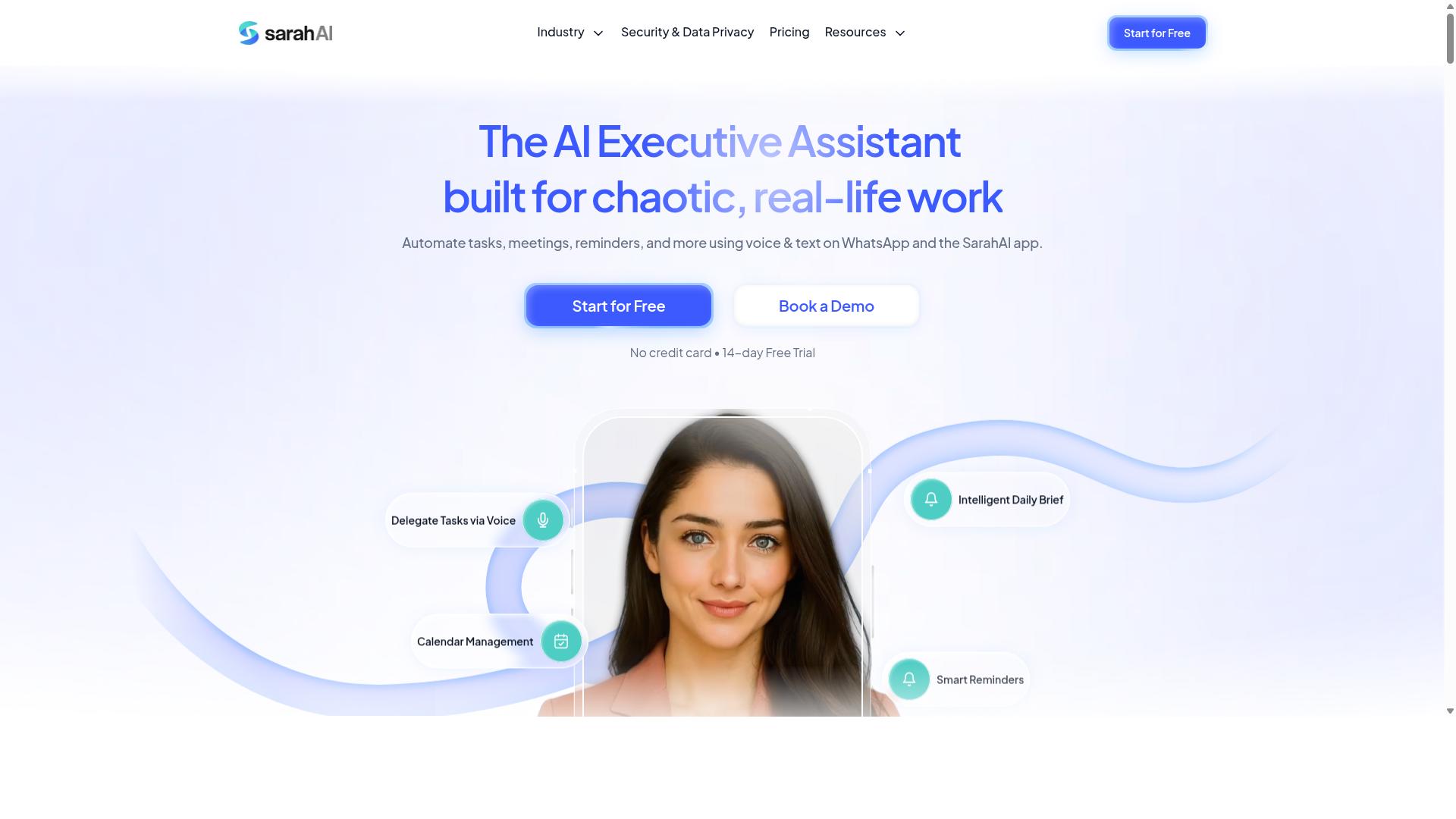
The Sarah AI aims to automate administrative tasks using AI, offering a virtual assistant that can handle scheduling, reminders, and basic workflow triggers. It positions itself as a helper for busy professionals who want to offload repetitive office work without building complex automations from scratch.
For no-code builders, this tool could be useful for email automation and task scheduling. The focus appears to be on conversational interaction, where you describe what you need and the assistant figures out the steps. Calendar integration and meeting coordination are likely core strengths, since those are common pain points for administrative work.
However, there are trade-offs to consider. A conversational assistant typically offers less control over complex workflows than a visual automation builder. If you need conditional logic, data transformation, or multi-step processes that involve several third-party apps, a dedicated workflow automation platform is usually a better fit.
Another limitation is visibility. With a chat-based assistant, it can be harder to see exactly how a process is configured or to debug errors when something goes wrong. Tools with a drag-and-drop interface give you a clear picture of every step, trigger, and data mapping, which makes troubleshooting more straightforward.
The Sarah AI may work well for simple, everyday tasks like booking meetings or sending follow-up emails. But for no-code builders who want to design scalable process automation, a visual editor with automation templates and error handling provides more flexibility and long-term control.
6. Zoye AI
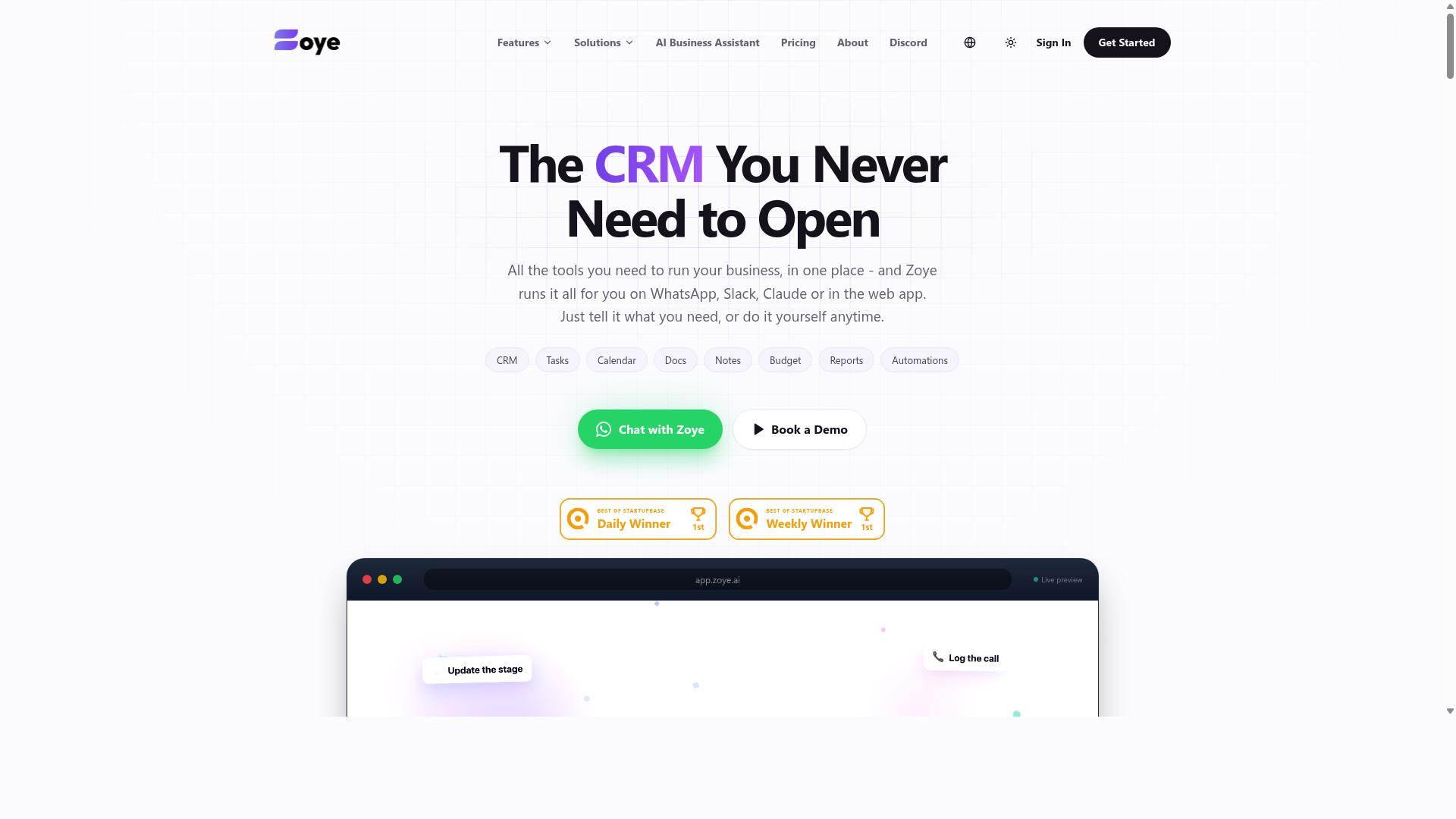
Zoye AI provides AI-powered workflow automation with a focus on integrating with popular business apps to streamline operations. It positions itself as an all-in-one workspace where project management and automation tools meet.
The platform combines task views, a native CRM, calendar functions, and budget tracking in one place. Its AI assistant can execute actions directly, such as creating tasks from emails, prioritizing daily work, drafting follow-ups, and generating status reports.
For no-code builders, the appeal lies in connecting CRM, email, and database tools without writing custom code. The system can also reschedule dependent tasks automatically when deadlines shift, which helps teams maintain realistic timelines.
Zoye includes its AI assistant on every plan at no extra cost. Pricing starts at "Almost Free from $5 per month ($4 billed annually)" for three members, with larger plans available for growing teams.
One consideration: this tool may require more technical setup than chat-based assistants. Users comfortable with configuring automation triggers and mapping data between apps will find it easier to get value from the platform.
Small teams looking for an affordable, action-oriented AI workspace with built-in CRM and task scheduling should evaluate Zoye AI. Its pricing structure avoids per-seat AI add-ons, which keeps costs predictable for budget-conscious operations.
How to Choose the Right Option
Choosing the right AI task automation tool depends on your team's communication habits, technical comfort, and the complexity of your workflows. Start by reviewing how your team actually coordinates daily tasks, not just what features look impressive on a demo.
Consider your team size, existing communication channels, and whether you need true AI assistance or simple rule-based automation. Budget and scalability matter too, especially if you plan to grow your team or expand your workflow automation across departments.
Teams that rely on WhatsApp for daily coordination, particularly those with field staff, need tools that fit naturally into that existing channel. The goal is to match tool capabilities to your real workflows, not to force your team into a new way of working.
Matching Tool Capabilities to Team Workflows
To match a tool to your team, list your most common workflows, identify the communication channels used, and prioritize features that reduce manual work. This simple audit helps you separate must-have functions from nice-to-have extras.
Follow these steps to evaluate your options:
- Map your current workflows and note the pain points that slow your team down.
- Determine which communication channels are essential, such as WhatsApp for field teams.
- Assess whether you need AI-driven automation or if rule-based triggers and conditional logic will suffice.
- Compare pricing models and scalability for your expected team growth.
Different teams will naturally choose differently. A small office team using Slack and email might prefer a tool like Zapier or Make (Integromat) with deep app integrations and a drag-and-drop interface. A technical team building complex several-step operations may favor n8n or Bubble for their low-code flexibility and API integration options.
For teams that use WhatsApp with field staff, Tasks.Bot stands out because it works directly within the channel they already use. It handles task management, attendance tracking, and payroll-ready hours without requiring staff to learn a separate platform. The service already supports hundreds of teams in this exact scenario.
Technical users who need advanced data transformation, error handling, and retry logic will want a visual editor with deeper control. Meanwhile, teams prioritizing speed of adoption should look for automation templates and scheduled tasks that work out of the box.
Remember that the best tool is the one your team will actually use consistently. Match the automation platform to your team's daily reality, not to the most impressive feature list. A tool that fits your communication habits will deliver more productivity than a powerful platform that requires constant context switching.
Final Verdict
For most no-code teams, Tasks.Bot offers the best balance of AI-driven automation, communication integration, and affordability, making it our top recommendation. The platform stands out because it operates entirely within WhatsApp, so team members don't need to install anything or create new accounts.
Where other tools in this roundup require learning a drag-and-drop interface or mastering complex conditional logic, Tasks.Bot removes that barrier entirely. It uses AI to understand natural language and voice notes for task creation, which means your team can describe what needs to be done and the system handles the rest.
This makes it especially valuable for field teams and organizations that rely on quick communication. The platform also includes face-verified attendance and live GPS tracking for field staff, features you won't find in general-purpose automation tools like Zapier, Make, or n8n.
Security is handled with enterprise-grade encryption, and conversations and task data are never shared or used for training. For teams handling sensitive client information, this level of data protection matters more than any workflow automation feature.
Consider your specific needs before choosing. If you need deep API integration, webhooks, and several-step operations across dozens of third-party apps, a visual builder like n8n or Bubble might serve you better. If your priority is process automation that lives where your team already communicates, Tasks.Bot is the stronger fit.
Tasks.Bot also offers a 3-month free trial with no credit card required, which gives you ample time to test real workflows with your actual team. That trial period is longer than most competitors offer, and the lack of a credit card requirement removes friction from the evaluation process.
Our guidance is simple: start with the trial, build a few real tasks, and see how your team responds to creating work items through natural conversation. The best automation tool is the one your team actually adopts, and WhatsApp-native operation gives Tasks.Bot a significant advantage in that regard.
To explore how Tasks.Bot fits your workflow, book a demo or contact the team directly using the contact information provided on the website. You can also begin the 3-month free trial today to experience AI task automation in your daily operations.
Frequently Asked Questions
Do I need to install any new software to use Tasks.Bot?
No. Tasks.Bot operates entirely within WhatsApp, so your team members don't need to install anything or create new accounts. They can simply assign tasks, track progress, and receive reports directly in the messaging app they already use every day.
How does Tasks.Bot handle task creation for non-technical or field teams?
Tasks.Bot uses AI to understand natural language and voice notes, so team members can create tasks by simply speaking or typing in plain language. This makes it especially practical for field teams who may not be comfortable with complex project management interfaces.
What makes Tasks.Bot different from other AI task automation tools?
Unlike tools that require a separate dashboard or desktop app, Tasks.Bot is built around WhatsApp, meaning your team's workflow lives where your communication already happens. It also includes unique features like face-verified attendance, tasks on a map, and live day tracking, which are especially useful for managing remote or field-based staff.
Is Tasks.Bot affordable for small teams or startups?
Yes. Tasks.Bot offers a 'Full Access' plan with all features included, priced at 200 per member per month, or 1,200 per year per member-which saves you 50% compared to the monthly rate. Since pricing is available in both Indian Rupees and US Dollars, it's accessible for teams globally.
Can Tasks.Bot help with attendance and payroll-ready hours, not just task tracking?
Yes. Tasks.Bot offers face-verified attendance and live day tracking, which helps you capture payroll-ready hours for your team. This makes it a more complete solution for teams that need to manage both task execution and workforce time tracking in one place.
Is Tasks.Bot still in development, and is it safe to rely on it for daily operations?
Tasks.Bot is currently in beta, but the website states that hundreds of teams are already using the service. It also offers a refund policy and a 'Book a Demo on WhatsApp' option, so you can test the workflow and see if it fits your team before committing fully.